Two Tools, One Broker
This video uses two parts of PipGems on Pocket Option. Part 1 sets up the AI Scanner, which reads the chart on demand and returns a CALL or PUT with a confidence level. Part 2 is a live 1-minute session driven by the Signal Companion, a browser extension that pushes alerts onto the Pocket Option page.
Two things stand out before any trade is placed. First, the balance reads QT Real — this is a real account, not a demo. Second, every entry was $100, but some signals got more than one entry. That second point turns out to decide the result.
Part 1: The AI Scanner Settings
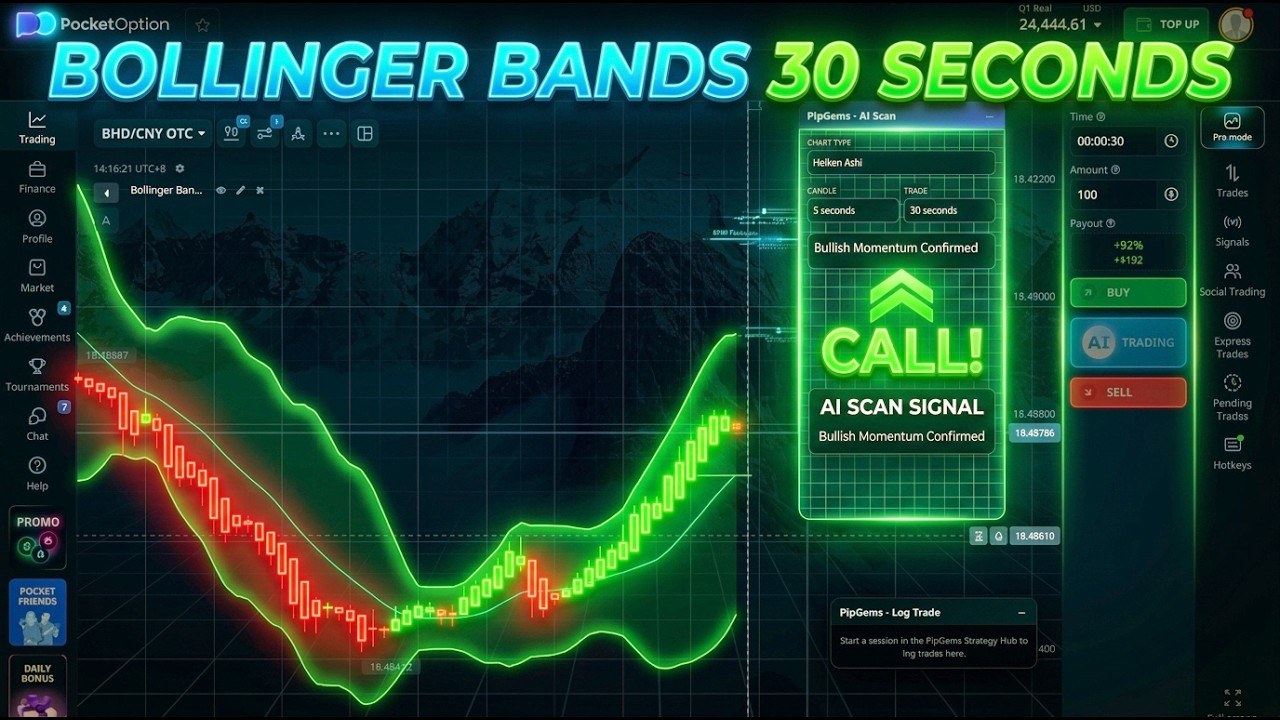
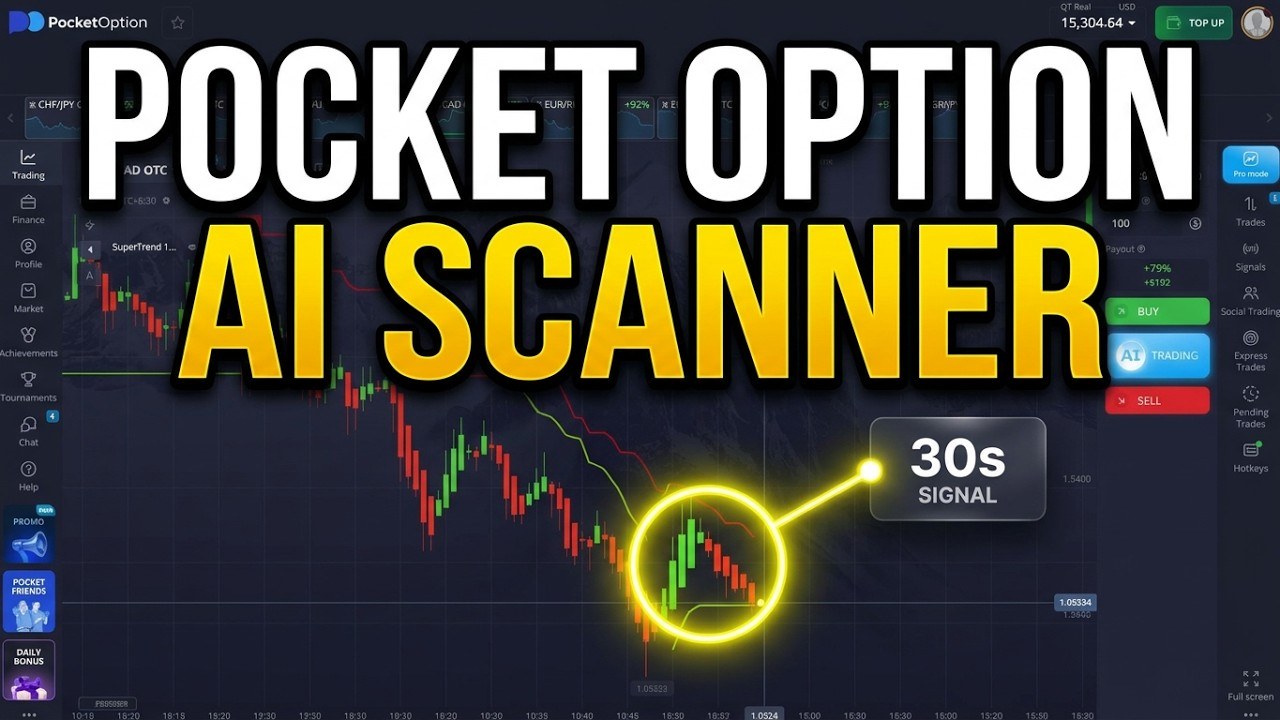
- Chart type: Heiken Ashi
- Candle: 5 seconds
- Trade: 35 seconds
- Indicator on the chart: SuperTrend, ATR period 10, multiplier 3 (typed into the scanner's notes so it knows what it is looking at)
- Pairs: Pocket Option OTC pairs at 92% payout
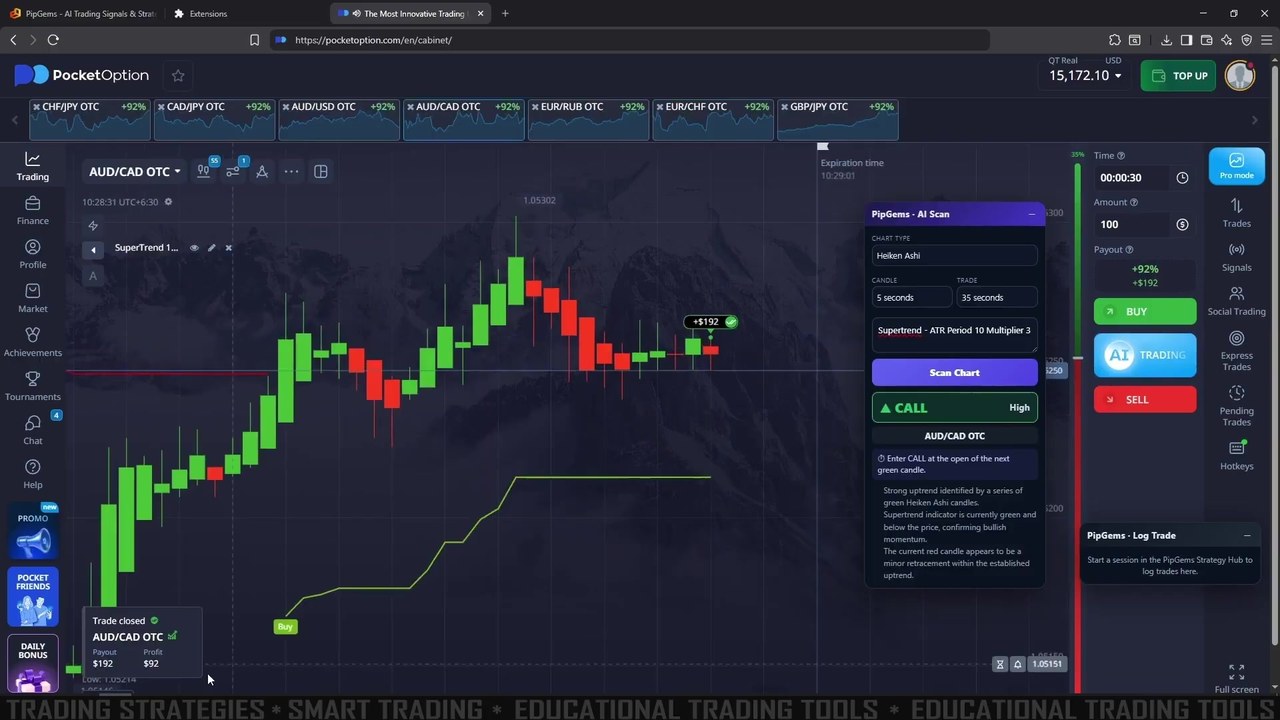
Press Scan Chart and the panel answers in three parts: a direction with a confidence level (CALL — High above), an entry instruction (“Enter CALL at the open of the next green candle”), and the reasoning — here, a run of green Heiken Ashi candles with the SuperTrend green and below price. The trade in this frame, AUD/CAD OTC, closed with $192 back on $100.
Part 1 is cut together from several short clips, and the balance jumps between them, so we cannot reconcile it into a trade-by-trade tally. Treat it as a demonstration of how the scanner works, not as a result. For a full scanner session with every scan logged, see the AI Chart Scanner on plain candles.
Part 2: The Live Session With the Signal Companion
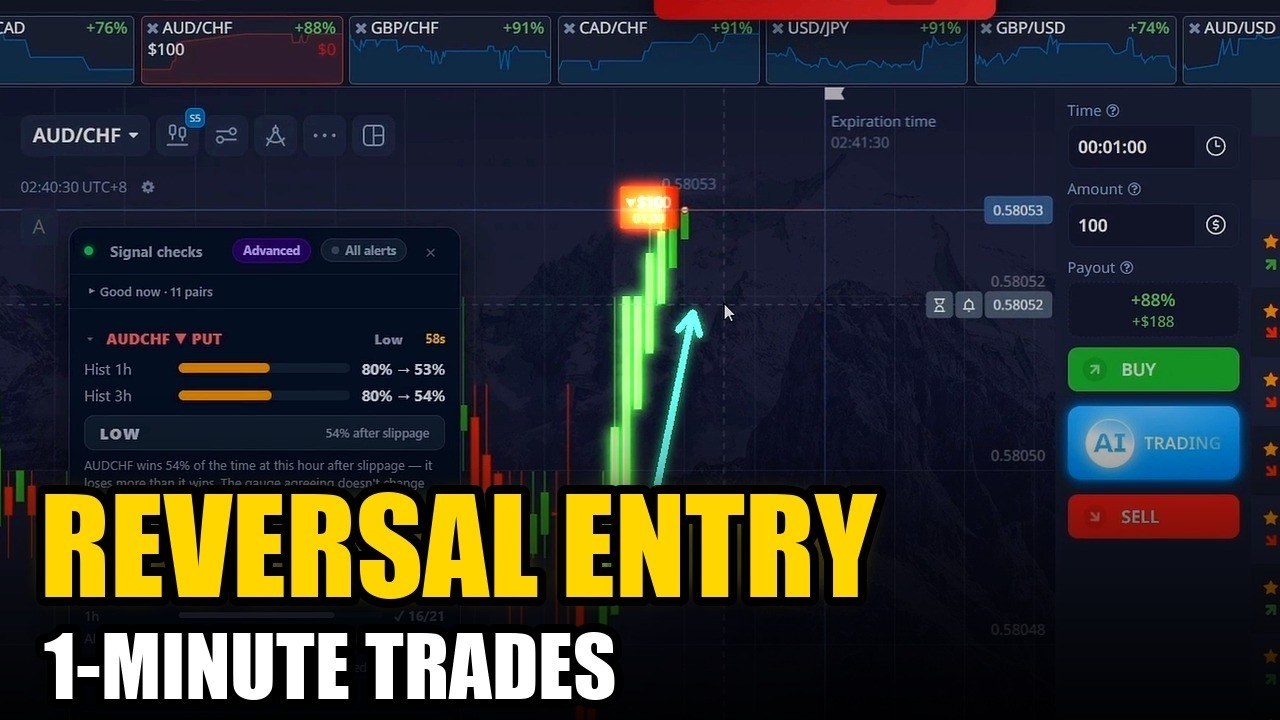
For the second part the trader switched to regular market pairs (EUR/CAD, GBP/CAD, EUR/JPY and EUR/GBP), 1-minute trades and the Signal Companion. When an alert fires, a banner at the top of the page shows the pair, the direction and a countdown, for example GBPCAD ▲ CALL. The extension can also play a sound and read the alert aloud, and its pair filter limits alerts to the pairs you choose.
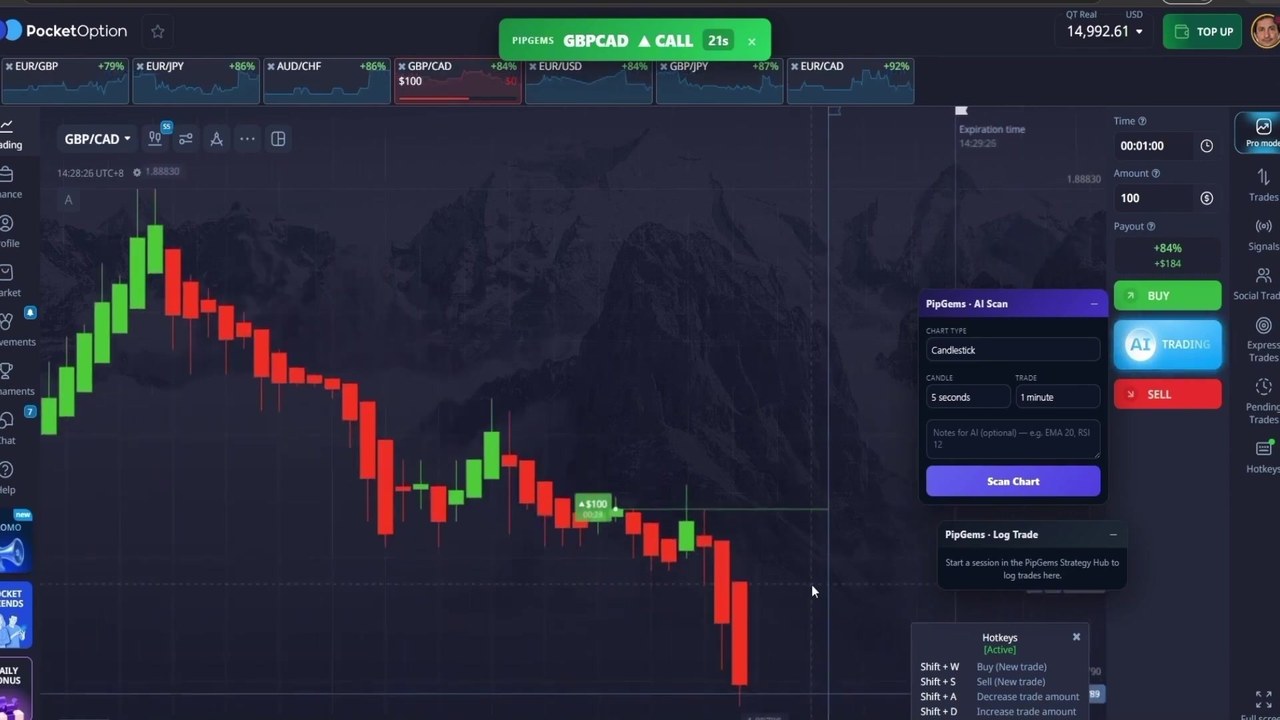
This part is continuous, so we checked every entry against the balance. It starts at $14,908.61 and ends at $15,211.61: +$303, which matches the ten entries below to the cent.
Every Entry, Checked
| Signal | Entry | Pair | Direction | Payout | Result | P/L |
|---|---|---|---|---|---|---|
| 1 | 1 | EUR/CAD | CALL | 92% | Win | +$92 |
| 2 | 1 | EUR/CAD | CALL | 92% | Win | +$92 |
| 3 | 1 | GBP/CAD | CALL | 84% | Loss | −$100 |
| 3 | 2 (added lower) | GBP/CAD | CALL | 84% | Win | +$84 |
| 3 | 3 (added lower) | GBP/CAD | CALL | 84% | Win | +$84 |
| 4 | 1 | EUR/JPY | PUT | 86% | Loss | −$100 |
| 4 | 2 (added higher) | EUR/JPY | PUT | 86% | Win | +$86 |
| 4 | 3 (added higher) | EUR/JPY | PUT | 86% | Win | +$86 |
| 5 | 1 | EUR/GBP | PUT | 79% | Win | +$79 |
| 6 | 1 | EUR/JPY | CALL | 86% | Loss | −$100 |
Total: 6 signals, 10 entries, 7 wins, 3 losses, +$303 on $1,000 staked.
Where the Profit Came From
Look at signals 3 and 4. On GBP/CAD the first call went against the trader as price kept falling, so two more calls were added lower down. The first lost; the two added entries won. On EUR/JPY the first put went against the trader as price spiked up, so two more puts were added higher. Again the first lost and the two added ones won.
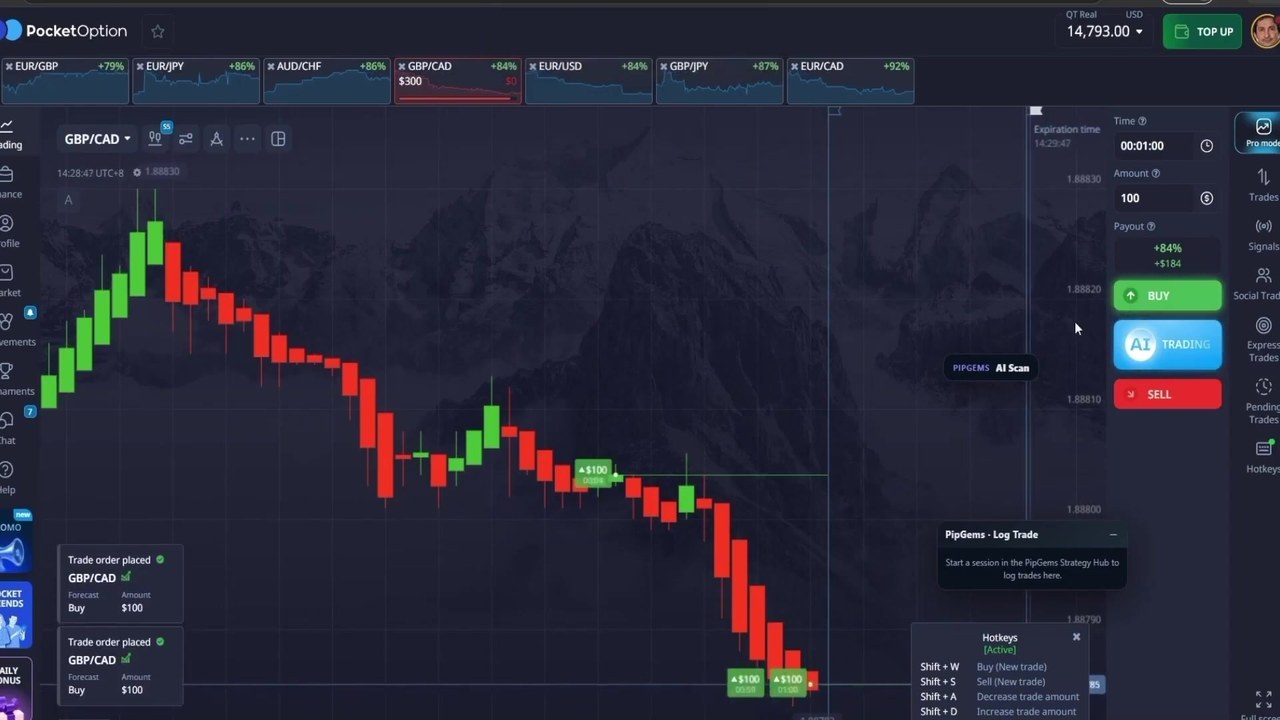
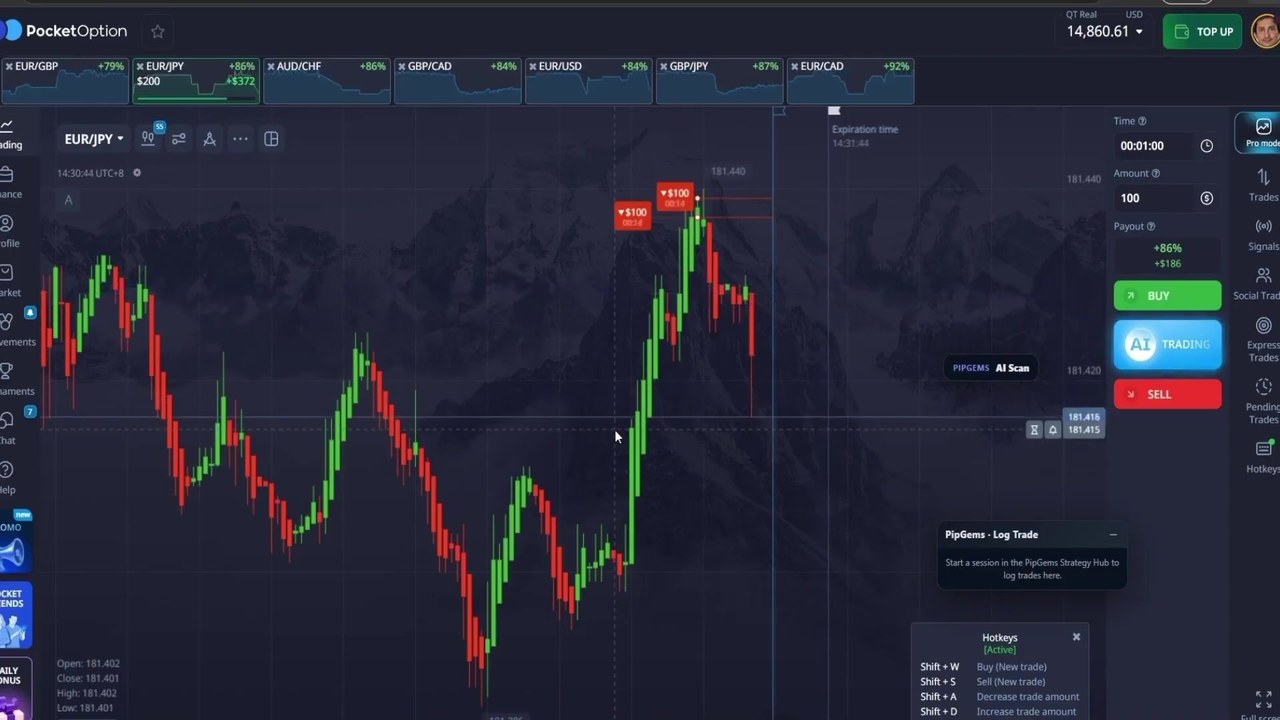
Counted one entry per signal, the session was 3 wins and 3 losses — slightly below break-even. Adding entries against a losing trade is what turned it into +$303. That worked twice here. It is also exactly how a session goes badly wrong: if price had kept falling on GBP/CAD or kept rising on EUR/JPY, all three entries on that signal would have lost, −$300 on one alert instead of −$100.
The stake never changed — there was no martingale doubling — but three $100 entries on one idea is still $300 of risk on one idea. We do not recommend adding to a losing entry.
Watch the Video
The scanner setup, the Signal Companion and the full live session:
Honest Weaknesses
- The result depends on the added entries. One entry per signal would have finished slightly negative.
- Part 1 cannot be verified. It is edited from separate clips, so its trades are examples, not a tally.
- Six signals is a tiny sample, whatever the outcome.
- Real money. Good for honesty, but it also means the same sizing would have cost real money on a bad day.
How to Test It Yourself
- Set the pair filter and keep the same pairs for the whole test.
- One entry per signal, flat stake. If you want to test adding entries, log it as a separate rule with its own result.
- Log 50 signals on a demo account and compare your win rate with the break-even for your payout — about 54% at 84–86%.
- Only then decide whether the alerts are worth real money.
Risk Management
- One entry per signal, one stake for the session.
- Set a daily loss limit and a maximum number of trades, and stop at either.
- Never add entries to a losing trade to win it back.
- Practise on a demo account first, and never trade money you cannot afford to lose.
Frequently Asked Questions
What settings does the PipGems AI Scanner use in this video?
Heiken Ashi chart, 5-second candles, 35-second trades, and a SuperTrend with ATR period 10 and multiplier 3 on the chart. Each scan returns CALL or PUT, a confidence level such as High or Medium, an entry instruction and a short explanation.
What is the PipGems Signal Companion?
A browser extension that shows PipGems alerts on the Pocket Option page as a banner with the pair, direction and countdown, with optional sound and voice announcements and a pair filter. In this video it was used for the 1-minute session in Part 2.
Was this a demo or a real account?
The balance shows QT Real, so both parts were recorded on a real Pocket Option account at $100 per entry.
What was the result of the live session?
Six signals and ten entries: 7 won and 3 lost, for +$303 ($14,908.61 to $15,211.61). Four of the wins came from extra entries added after the first entry on a signal went against the trader. Counting only the first entry on each signal, the session was 3 wins and 3 losses, about -$37.
The Verdict
3.5 out of 5. A useful look at both PipGems tools on Pocket Option, on a real account, with the full live session left in and a balance that adds up to the cent.
The missing star and a half: the profit came from adding entries to losing trades, not from the signals alone — one entry per signal was 3 wins and 3 losses — and the scanner part is a montage we could not check. Use the setup, skip the stacking, and judge the alerts on your own one-entry log.
#PocketOption #PipGems #AIScanner #TradingSignals #1MinuteTrading #HeikenAshi #SuperTrend
This content is for educational purposes only and is not financial advice. Trading involves substantial risk; you can lose some or all of your capital. No result is guaranteed and past results do not indicate future outcomes. Always practise responsible money management, limit your daily trades, and trade only what you can afford to lose.
Related reading: the AI Chart Scanner with Bollinger Bands and Heiken Ashi, low-history PipGems alerts traded as reversals, and this week’s 12 Advance Signal trades on Quotex. For more, see the Pocket Option hub and the strategy library.