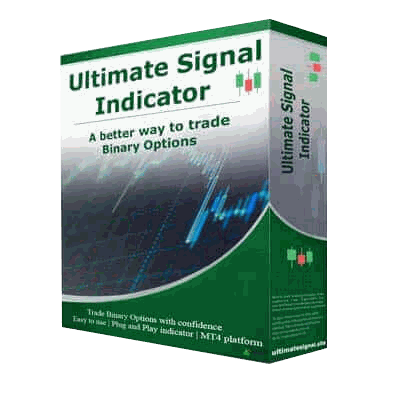
Comprehensive MT4/MT5/TradingView indicators, strategy guides, and video tutorials โ everything you need to understand and navigate financial markets smarter.
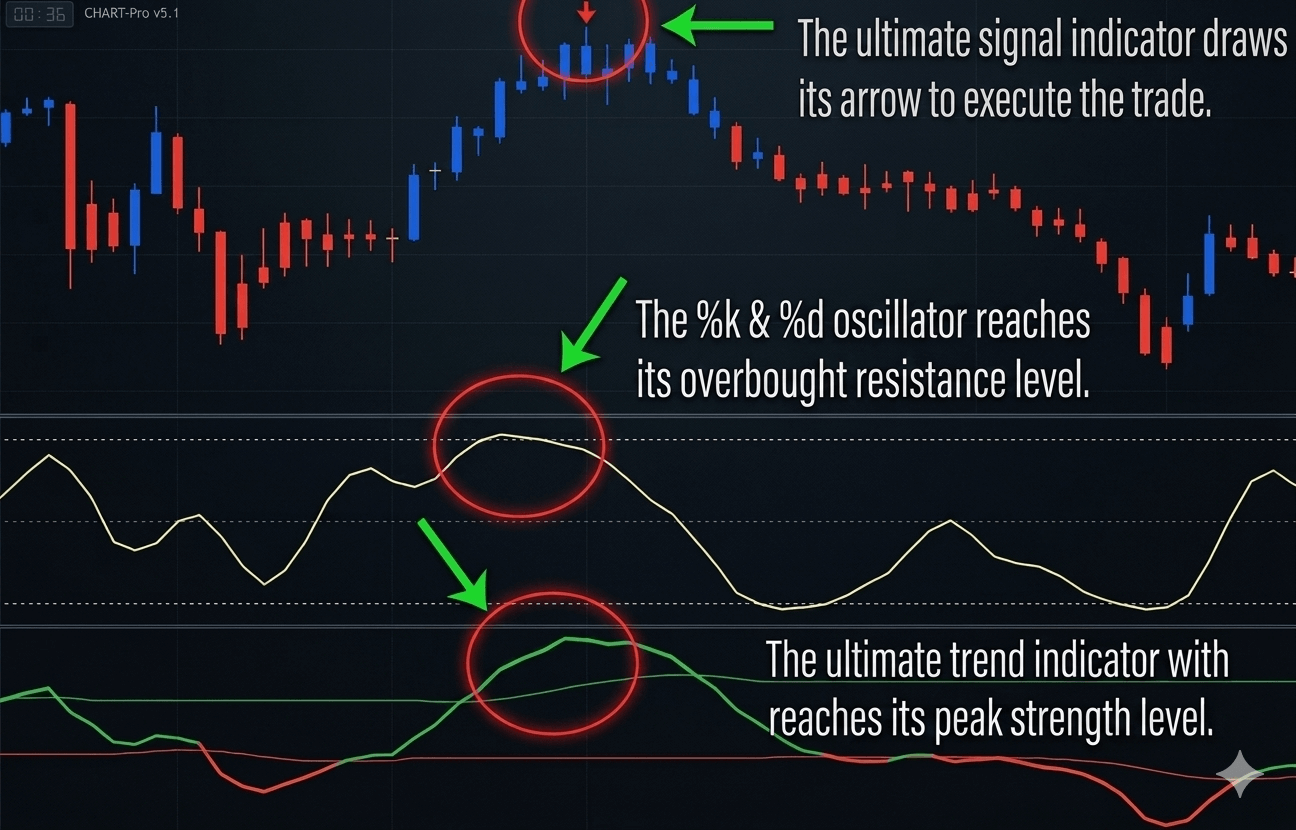
Ultimatefxtools provides advanced technical analysis strategies tailored to meet the needs of traders. Our expertise extends to understanding the dynamics of the Forex market, where we apply deep trading knowledge to study market outcomes.
We offer comprehensive educational support and strategic insights to navigate fast-moving financial markets effectively โ for both short-term and long-term analysis methods.
Analyze price movement direction using our MT4, MT5, and TradingView indicators to practice identifying and following trends effectively.
Understand how position-size adjustment works. Educational review only โ this method carries extremely high risk of rapid capital loss.
Calculate position sizes and loss limits based on predefined parameters to simulate risk management scenarios before trading live.


Visit the Downloads Page. Files are emailed after checkout. Extract the .zip and find your .ex4 files.
Download from the official MT4 website or your broker's terminal.
In MT4/MT5 click File โ Open Data Folder โ navigate to MQL4/Indicators (MT4) or MQL5/Indicators (MT5).
Copy the .ex4 files into the Indicators folder.
Close and reopen MT4/MT5 to refresh the indicators list.
Click Insert โ Indicators โ Custom and select your indicator.
If the indicator doesn't appear or you have problems, email us at support@ultimatefxtools.com
.ex4 files.Everything you need to trade smarter โ one-time payment, lifetime access.