Overview
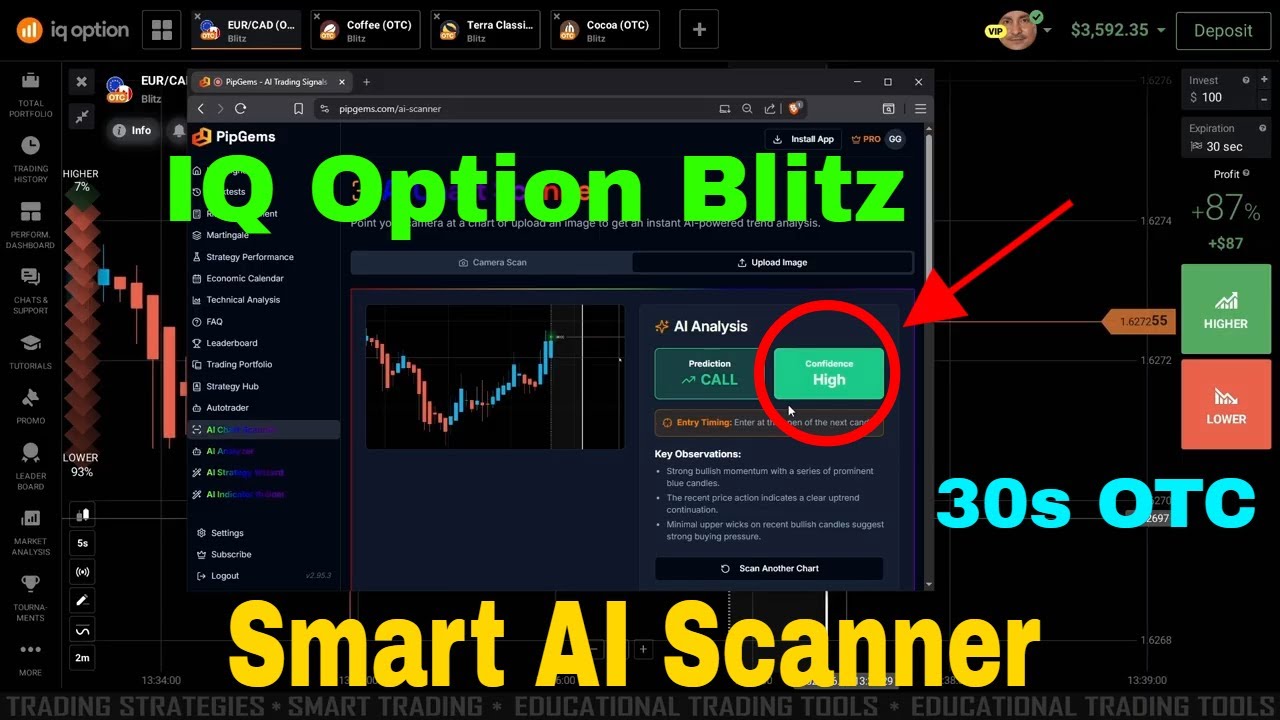
This method pairs the PipGems AI Chart Scanner with the IQ Option platform so you never have to read the chart yourself. The idea is simple: instead of squinting at candles trying to call the trend, you let an image-based AI look at the chart and tell you what it sees. Point it at your IQ Option chart, scan, and the scanner returns a clear prediction — CALL, PUT, or WAIT — along with a confidence level so you know how strong the read is.
The whole workflow runs on fast scalp-style trades: a 5-second chart with Heikin Ashi candles and a 15-second target trade duration. You scan, you only act on the high-confidence calls, and you skip everything the AI flags as “wait.” That last part is the real edge — the scanner is just as happy telling you not to trade.
What the AI Chart Scanner Does
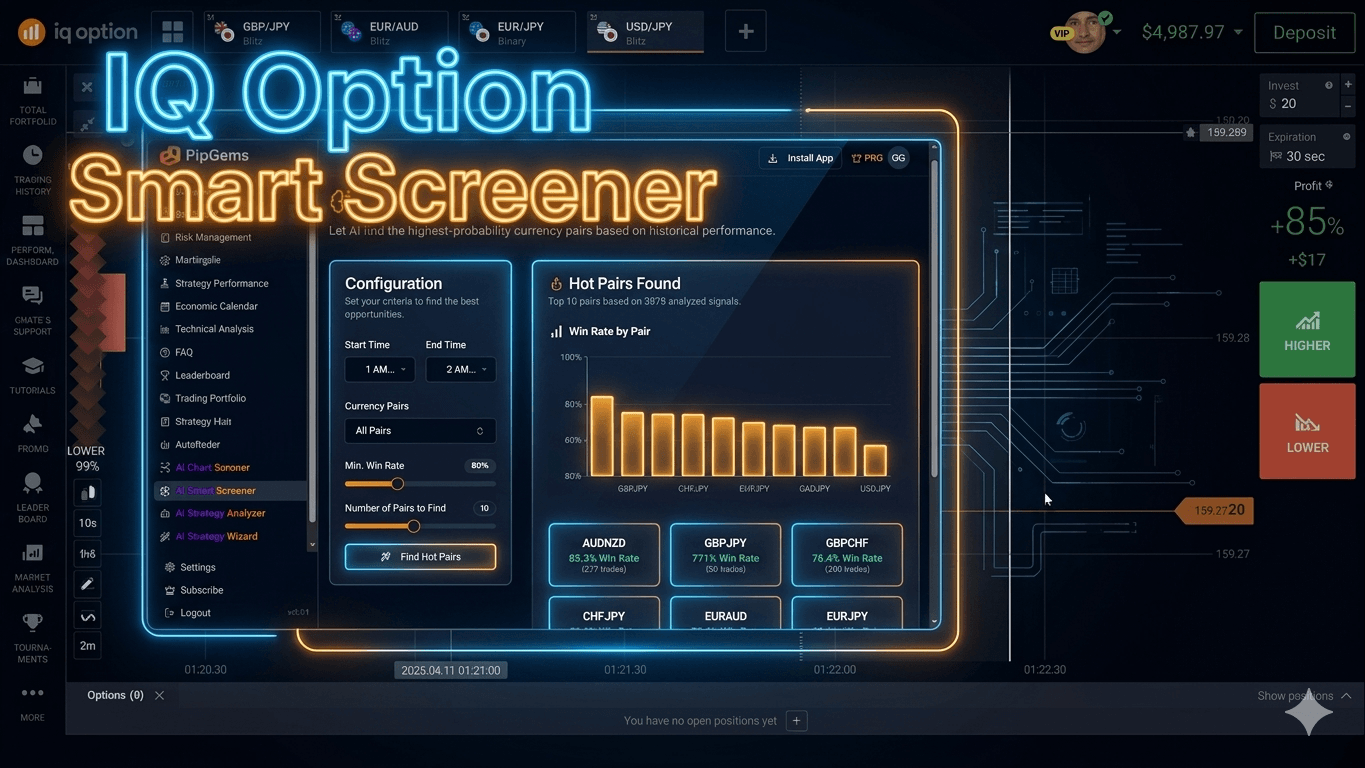
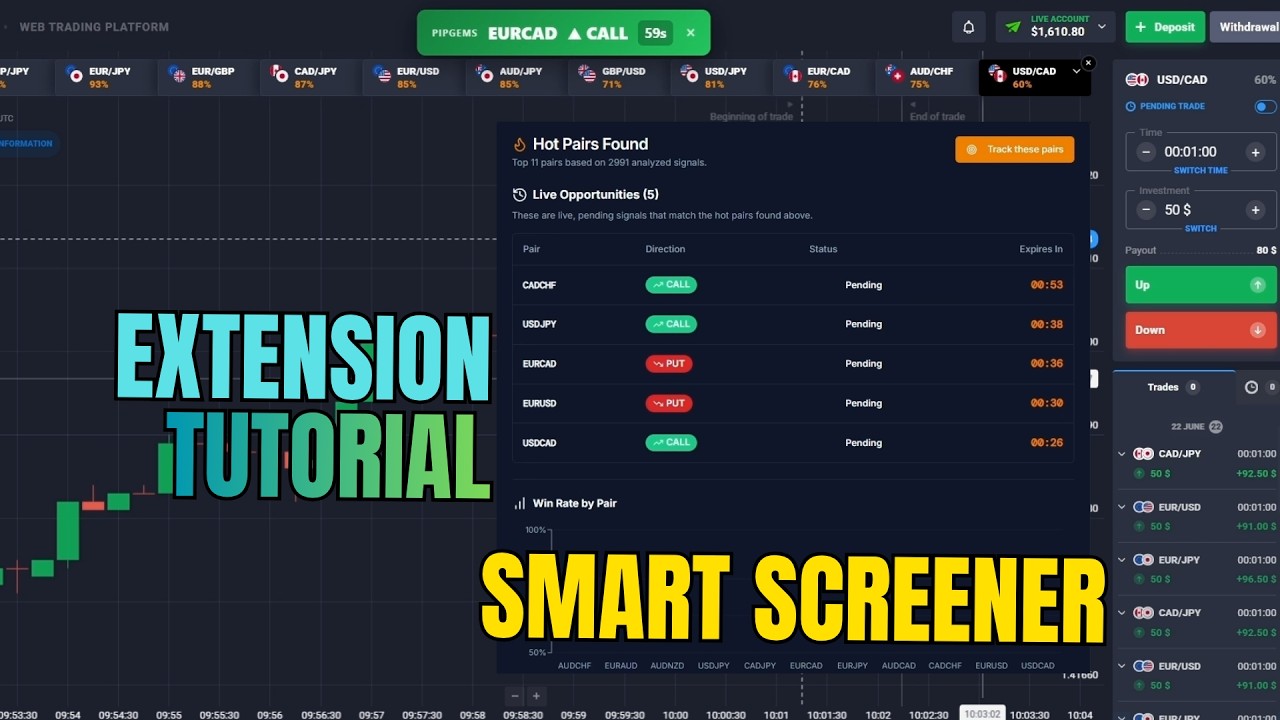
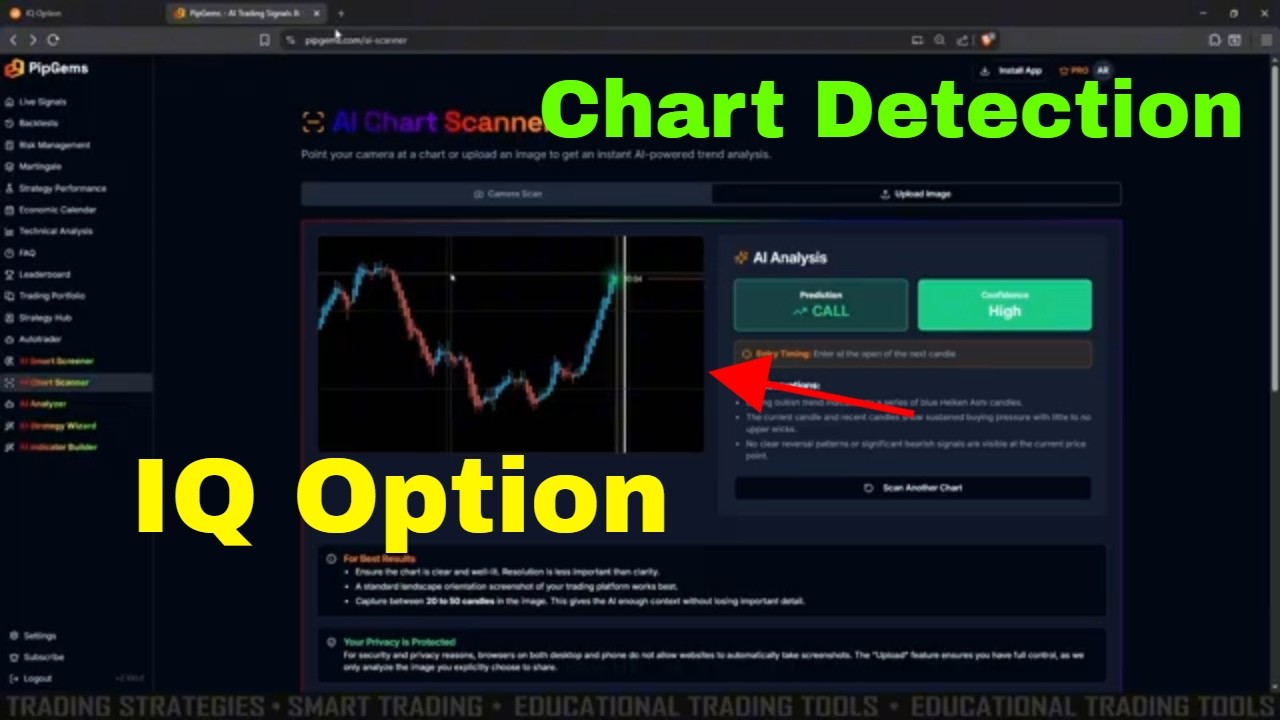
The Chart Scanner is one of the PipGems PRO tools (alongside the Smart Screener, Analyzer, Strategy Wizard, and Indicator Builder). Rather than streaming a fixed signal feed, it performs on-demand image detection: you either let it read your live chart through the camera/screen capture or you upload a screenshot, and the AI analyses that single image for trend direction, momentum, and candle structure.
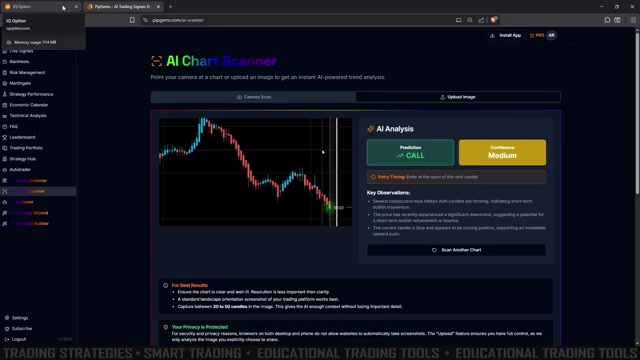
Every scan comes back with two things you actually trade on:
- Prediction — CALL (up), PUT (down), or WAIT (no clear edge)
- Confidence — Low, Medium, or High
Below the verdict, the Key Observations panel explains the read in plain language — for example, “several consecutive blue Heikin Ashi candles forming, indicating short-term bullish momentum.” That context lets you sanity-check the AI instead of blindly following it.
Step 1 — Set Up the Scanner
Open AI Chart Scanner from the PipGems left sidebar, then dial in the settings used in the video before you scan anything:
- Chart type: Heikin Ashi candles — they smooth the noise and make the AI’s trend read cleaner
- Time frame: 5 seconds
- Target trade duration: 15 seconds
On the IQ Option side, open the same pair on a Blitz / 15-second expiry so the chart you scan matches the trade you place. Keep both windows side by side — PipGems for the read, IQ Option for the entry.
Step 2 — Scan the Chart
With the scanner pointed at your IQ Option chart, hit scan. For the upload method, take a clean screenshot of the chart and drop it into the Upload Image tab — a standard landscape screenshot with 30–50 visible candles works best, since the AI needs enough structure to read.
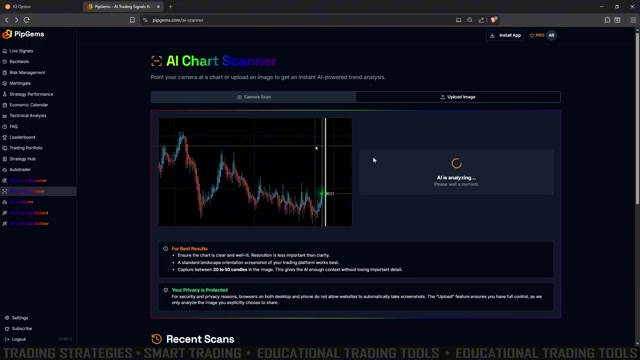
The AI takes a moment to analyse the image, then returns its prediction and confidence. This is also a privacy-friendly setup — the upload method only ever sees the screenshot you choose to give it, nothing else on your screen.
Step 3 — Trade Only the High-Confidence Calls
CALL (Up) Entry
- The scanner returns a CALL prediction with medium or high confidence
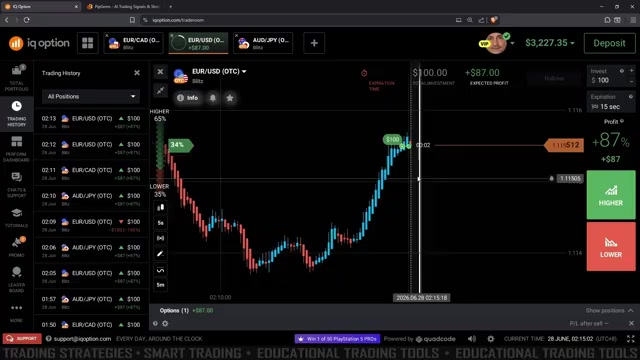
- Switch to IQ Option, confirm the trend is shifting up, and open a HIGHER trade with a 15-second expiry
- Wait out the 15 seconds — you only needed the AI to be right on direction for one short window
PUT (Down) Entry
- The scanner returns a PUT prediction with solid confidence
- Switch to IQ Option and open a LOWER trade with a 15-second expiry
WAIT — Skip the Trade
- If the prediction is WAIT, or the confidence is low, you do nothing
- Re-scan, or wait for a fresh setup — forcing a trade here is exactly what the scanner is built to stop you doing
Why “Wait” Is the Most Important Signal
In the video, the scanner repeatedly came back with a WAIT read — once, twice, three times in a row — and the right move every time was to do nothing. That patience is the whole point. Not every chart contains a tradeable 15-second move, and an AI that’s willing to say “there’s nothing here” protects you from the overtrading that drains most fast-expiry accounts.
- The AI judges whether the chart is even worth trading inside that 15-second window — not just which direction
- Low-confidence and WAIT reads are filters, not failures — they keep your stake on the bench until a clean setup shows up
- Pairing a directional call with a confidence score means every entry has both a trigger and a quality check behind it
Money Management
- Risk a fixed 1–3% of your balance per trade — never raise your stake to chase a loss
- Take only medium-to-high confidence CALL/PUT reads; treat WAIT and low confidence as a hard skip
- No Martingale on 15-second trades — doubling down compounds risk far faster than it recovers value
- Set a daily target in green closes and stop once you hit it; step away after 2–3 losses in a row
Watch the Full Tutorial
See the PipGems AI Chart Scanner read live IQ Option charts — including the WAIT signals it tells you to skip and the high-confidence calls that play out.
Risk Disclaimer
This content is for educational purposes only. Trading involves significant risk. Past results do not guarantee future outcomes. Always practice on a demo account first and only trade with capital you can afford to lose.
#IQOption #PipGems #AIChartScanner #ScannerImagePro #BinaryOptions #15SecondTrading #HeikinAshi #AISignals #TradingEducation #RiskManagement