Using the XProfit Indicator V2 on IQ Option
IQ Option is a fixed-expiry platform: you pick a direction, the timer runs, and the position closes wherever price happens to be. That format rewards a repeatable process and punishes improvisation. The XProfit Version 2 indicator gives you one — it plots on a MetaTrader 4 chart and marks moments where short-term momentum looks like it is turning. Be clear about what it is, though. XProfit is decision support: it does not predict the next candle, it has no win rate, and it cannot tell you whether a trade will work. It narrows a noisy chart to a few moments worth examining — the examination and the risk stay your job.
What the Indicator Actually Shows
XProfit V2 tracks short-term momentum and prints an arrow when that momentum flips against the preceding move — up for a possible turn higher, down for a possible turn lower. It is a reversal tool, not a trend-following one, so it fires near the ends of short pushes rather than in the middle. That explains its main failure mode: in a strong one-directional run, a reversal tool keeps flagging turns that never arrive.

How to Read the Signal
The arrow starts a decision, it does not finish one. Let its candle close first — a mid-candle arrow can vanish as the candle completes, and acting on a half-formed signal is the fastest way to collect trades you never planned. Then ask three questions. Did the arrow appear at a level price has reacted to before, or in open space? One timeframe up, is it arguing against a fresh move or an exhausted one? Is the market moving at all, or drifting sideways with no range worth trading? An arrow at a tested level, against a tired move, with room to travel is a different proposition from the same arrow mid-trend.
Confirmation and Filters
XProfit reads better with a second opinion attached. A moving average gives a directional bias: favour up arrows above it, down arrows below. Bollinger Bands add stretch context — an arrow at the outer band after a sharp push carries more weight than one mid-range. Some traders prefer an oscillator; the MACD-with-XProfit approach covers that variation. Pick one and keep it: stack four confirmations and you get a chart that always justifies whatever you wanted to do anyway. A filter's job is to disqualify signals, and one that never says no is not doing it.
Setup, Timeframe and Duration
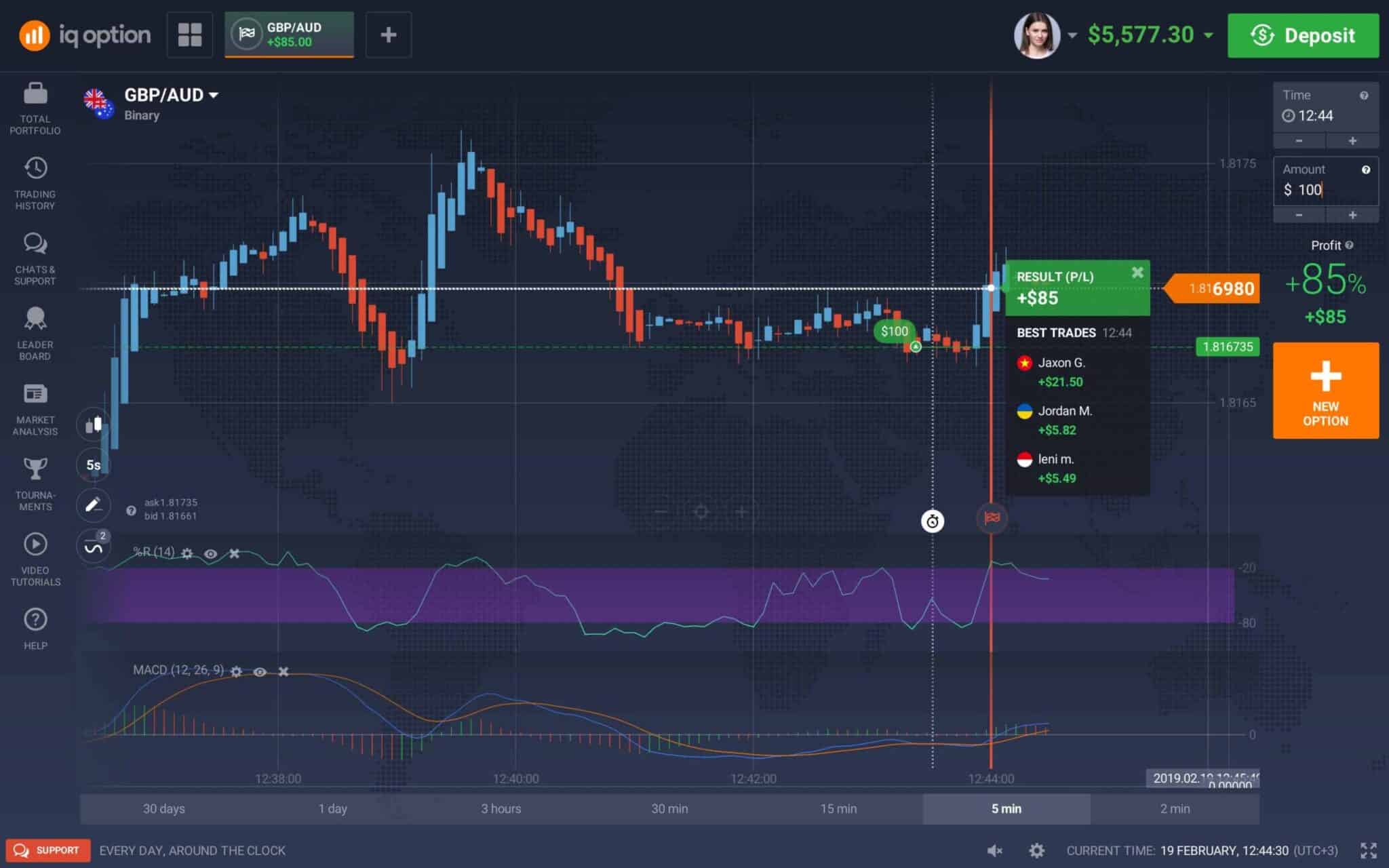
Load XProfit V2 into MetaTrader 4 and leave its default sensitivity alone — the defaults put arrows on meaningful momentum turns rather than every wiggle. The method on this page reads a 5 second candle timeframe for fast decisions and takes 1 minute durations on IQ Option to match. Read the arrow in MetaTrader, then place the position on the matching pair on the platform side. Keep the chart clean, work a small set of pairs you know, and read the signal the same way every time. A longer walkthrough lives in IQ Option trading with XProfit.

When to Stand Aside
Skipping is a decision, and on a fast expiry often the best one available. Stand aside when the arrow and your filter disagree — a buy arrow while price is pinned under a falling moving average is the indicator arguing with the trend, and the trend usually wins. Stand aside in dead, flat conditions with no range for a reversal to travel into, and around scheduled news, where moves come from information rather than momentum. Stand aside after two or three losses in a row — that says more about conditions than your reading.
Risk Management and Demo Practice
None of the above matters unless your position sizing survives being wrong several times in a row, which will happen. Stake a small fixed fraction of your balance per trade, cap the trades you take in a session, and set a daily loss limit you actually close the platform at — not one you renegotiate at the time. Consistency comes from repeating the same small decision correctly, not from any one result. Practise on demo until you can state your reason for a trade before placing it. For a broader look, this XProfit walkthrough covers more ground.
FAQ
How accurate is the XProfit indicator?
It does not have an accuracy figure, and anyone quoting one is guessing. XProfit V2 flags momentum turns; whether a turn follows through depends on conditions it cannot see. Treat it as a filter, not a forecast. Losing trades are a normal part of fixed-expiry trading and no indicator removes them.
Do I need MetaTrader to use it?
Yes. XProfit V2 is an MT4 indicator, so signals are generated in MetaTrader and read against the IQ Option chart on the matching pair. The same reading rules carry over to other trading platforms offering short fixed expiries.
How do I get XProfit V2?
It is part of the indicator library included with the single $39 lifetime plan. Install it on a demo chart first and watch how the arrows behave in different conditions before committing real funds.
This content is for educational purposes only. Trading involves risk. Past results do not guarantee future outcomes. Always practice responsible money management and limit your daily trades to avoid large losses.