
IQ Option Script for OTC and 15-Second Trading
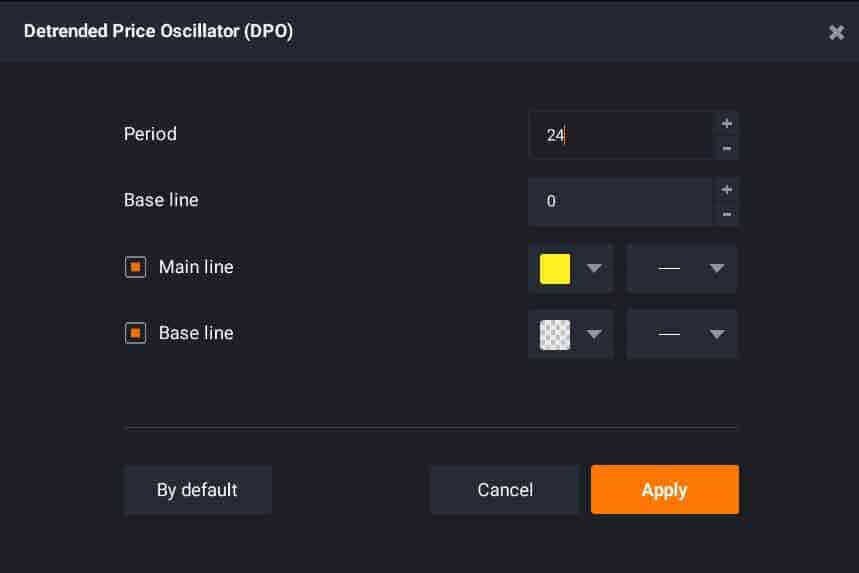
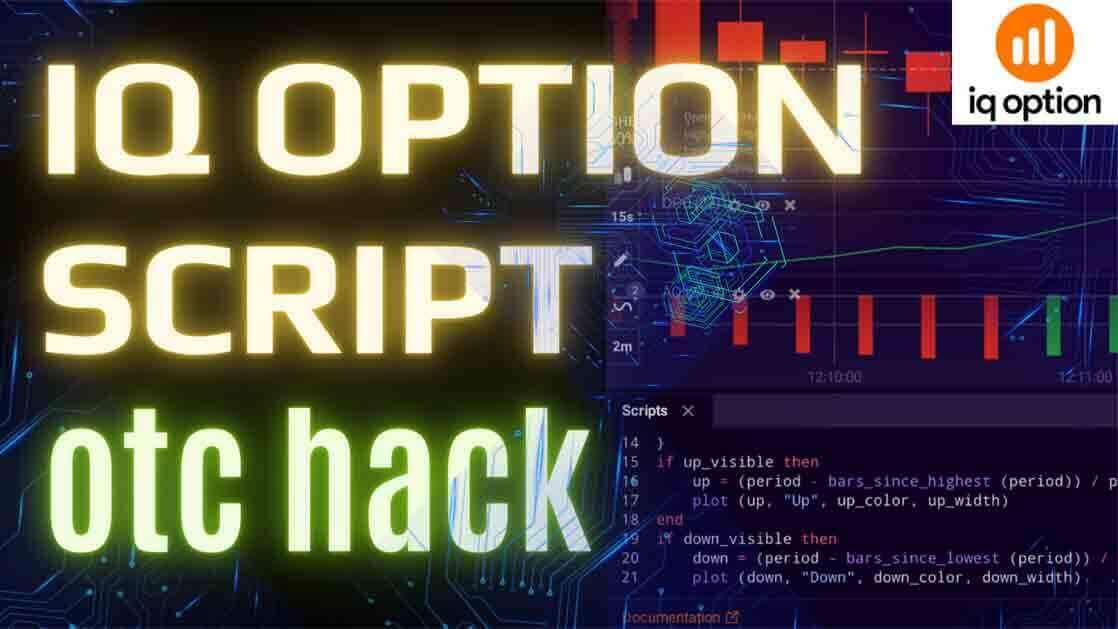
An "IQ Option script" is shorthand for a small custom indicator that draws buy and sell arrows straight onto your chart. On this site the script is the recoded AO + DPO + MA combination — the Awesome Oscillator, a Detrended Price Oscillator and a Moving Average bundled so that when all three agree, a single up or down arrow prints. The appeal is obvious: instead of reading three indicators under a ticking expiry, you glance and see an arrow. Before trading one, though, be honest about what the arrow is and is not.
What the Script Actually Plots
The arrow is a notification, not a prediction. It fires when the AO, DPO and MA line up in a way the code reads as a momentum shift — a condition that has already formed on the candle in front of you. It does not forecast the next candle. Just as importantly, many arrow scripts of this kind repaint: an arrow can appear part-way through a live candle and then move, change colour, or vanish once fresh price data arrives and the candle finishes. Act the instant an arrow flashes and you may be reacting to a signal that will not exist a few seconds later. This is why the confirmation step below is not optional.

Why OTC and 15-Second Trading Is the Hard Case
OTC (over-the-counter) weekend markets and 15-second expiries are the least forgiving environment for any arrow script. Price action on OTC pairs is largely synthetic, so candles, spreads and momentum differ from the live weekday market the script was built around, and a 15-second window gives a repainting signal almost no time to settle before your position expires. If you are learning this tool, start on a one-minute or five-minute chart on a demo account, where you can watch the arrows form and repaint without risking funds. Treat 15-second OTC as an advanced case you graduate into once you trust your reads, not where you begin.
Setup and Settings
The script installs like any custom indicator: drop the file into your platform's indicators folder, restart, and drag it onto your chart. Keep it simple while you learn:
- Leave the defaults alone at first. The bundled AO, DPO and MA periods fire only on meaningful turns; adjust them only after watching the stock settings for a while.
- Add a trend filter. Put a longer Moving Average (say 50-period) on the chart and take only arrows pointing its way. Counter-trend arrows in a strong move are where the script fails most.
- Trade one or two pairs you know rather than chasing every arrow across the whole watchlist.
- Keep the chart uncluttered so the arrow and trend MA stay easy to read under a short expiry.

You can get the AO DPO MA script and its exact settings here; for a closer look at the same arrow logic, see the IQ Option buy and sell arrow script walk-through.
How to Confirm a Signal Before You Trade
Because the arrow can repaint, treat it as a prompt to check, not an order to click. A routine:
- Wait for candle close. Count an arrow as valid only once its candle has fully closed and the arrow is still there. One that survives the close is far more reliable than one caught mid-candle.
- Check the trend filter. Take up arrows only when price is above your longer MA, down arrows only when it is below. When arrow and trend disagree, stand aside.
- Skip the flat market. In a tight, directionless range the script fires constantly and most arrows go nowhere. No signal is a position too.
When the Script Fails
Knowing the failure modes is as useful as knowing the entries. The arrows struggle in choppy, sideways markets where momentum flickers and the script paints conflicting signals; around scheduled news, when a spike overwhelms any indicator; and on thin OTC pairs where the synthetic feed ignores normal momentum. In every case the discipline is the same: fewer trades, wait for the close, and let the trend filter veto anything questionable. For a slower take on short expiries, the IQ Option 1-minute strategy and the 15-second candle, RSI and Aroon method are worth studying alongside it.
Frequently Asked Questions
Does the IQ Option script guarantee winning trades?
No. It is decision support, not a crystal ball. The arrow flags a momentum condition that has already formed, and because these scripts can repaint, some arrows disappear after the candle closes. Losing trades are normal in short-expiry trading. Steady risk management and confirmation on candle close build consistency over time, not any single arrow.
Do I have to pay to use it?
The arrow script and its settings are covered with every other indicator on the site under one $39 lifetime plan. You can also learn the method free from the guides linked above and practise on demo first.
Can I use it for 15-second and OTC trades?
You can, but it is the hardest environment for the tool. OTC price action is synthetic and a 15-second expiry gives a repainting signal no time to settle. Build your reads on the one-minute chart on demo before risking real funds there.
This content is for educational purposes only. Trading involves risk. Past results do not guarantee future outcomes. Always practice responsible money management and limit your daily trades to avoid large losses.