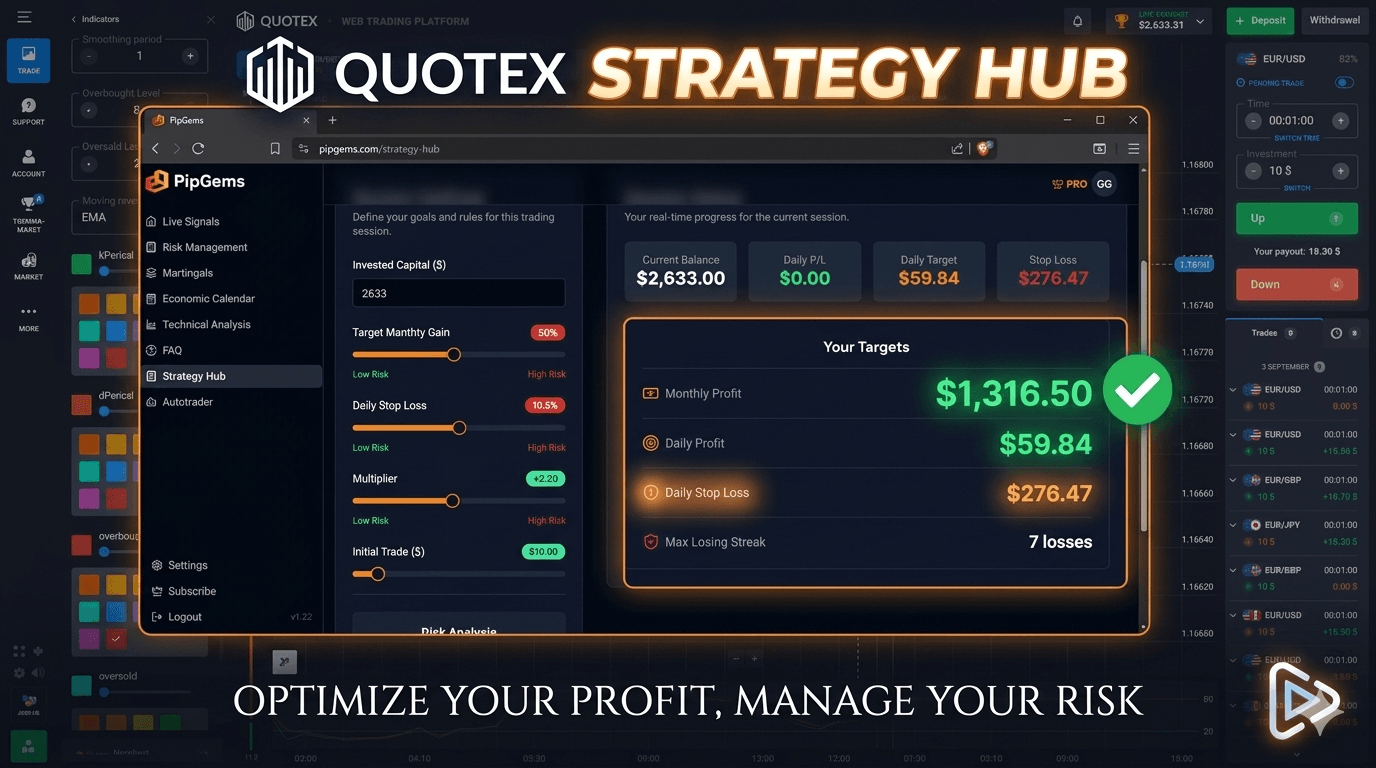
Strategy Overview
This approach combines PipGems' Strategy Hub with the Stochastic Oscillator to trade OTC currency pairs on Quotex during short 15-second windows using 5-second candles. The Strategy Hub automates session monitoring by tracking daily targets, losing streak limits, and position sizing — removing the need to manually calculate each trade's risk parameters mid-session.
Applying structured daily targets alongside a defined stop loss is the core discipline this setup emphasizes. I highly recommend limiting the number of trades per session and maintaining consistent money management throughout. Individual session outcomes will vary depending on market conditions and the capital used.
Stochastic Oscillator Configuration
Add the Stochastic Oscillator to your Quotex chart and configure it with the following settings:
- Percent K Period: 12
- Percent D: 2
- Smoothing Period: 1
These settings make the oscillator more responsive to short-term price movements, which aligns with the 5-second chart timeframe and 15-second trade duration used in this approach. The oscillator identifies overbought and oversold conditions that may signal a potential price reversal on OTC pairs.
Strategy Hub Risk Settings
Once inside the PipGems Strategy Hub, configure the session risk parameters before starting any trades:
- Set a daily gain target of approximately $30–$50 depending on your account balance
- Apply a 5% daily stop loss to cap the maximum loss for the session
- The Hub's built-in recovery system adjusts position sizes after unsuccessful trades — confirm your account balance can support the maximum position that may be required
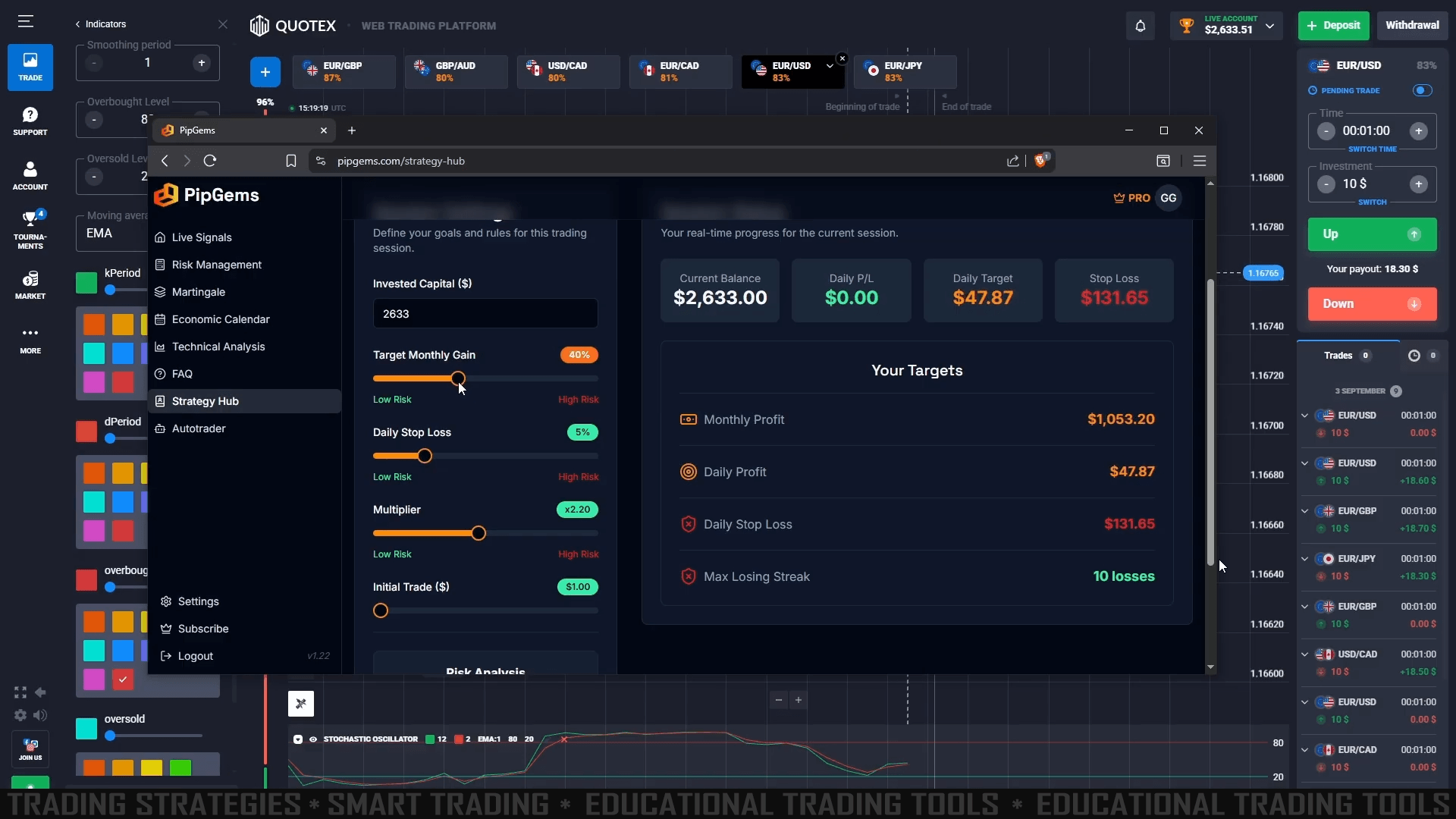
The session panel displays your remaining trades, current session status, and whether your daily target or stop loss threshold has been reached. Once either limit is triggered, stop entering new trades for that session.
OTC Pair Selection
Focus on OTC (over-the-counter) currency pairs that show a minimum 90% return on investment on Quotex. The demonstrated sessions used NZD/USD OTC and USD/BDT OTC as the primary assets. Each OTC pair exhibits its own unique price behavior, so monitor the Stochastic readings closely per pair rather than applying a fixed threshold across all assets.
Reading Entry Signals
Potential CALL (Up) Entry
- The Stochastic Oscillator drops into the oversold zone and begins turning upward
- Both K and D lines start curving from below, showing early upward momentum
- Enter at the open of the next 15-second trade window when both conditions align
Potential PUT (Down) Entry
- The Stochastic Oscillator rises into the overbought zone and begins turning downward
- Both K and D lines start curving from above, showing early downward momentum
- Enter at the open of the next 15-second trade window when both conditions align
Always confirm the oscillator is moving decisively before entering. Avoid entries when the K and D lines are flat or crossing at mid-range — wait for clear overbought or oversold positioning before committing to a trade direction.
Watch the Full Strategy Walkthrough
See the Quotex Strategy Hub Stochastic Oscillator approach in action — live session setup, indicator configuration, and OTC pair trading examples on NZD/USD and USD/BDT.
Risk Disclaimer
This content is for educational purposes only. Trading involves significant risk. Past results do not guarantee future outcomes. Always practice responsible money management and only trade with capital you can afford to lose.
#Quotex #StochasticOscillator #StrategyHub #PipGems #OTCTrading #QuotexStrategy #RiskManagement #BinaryOptions #TradingEducation #ShortTermTrading #5SecondTrading


