What is EMA MACD Alert?
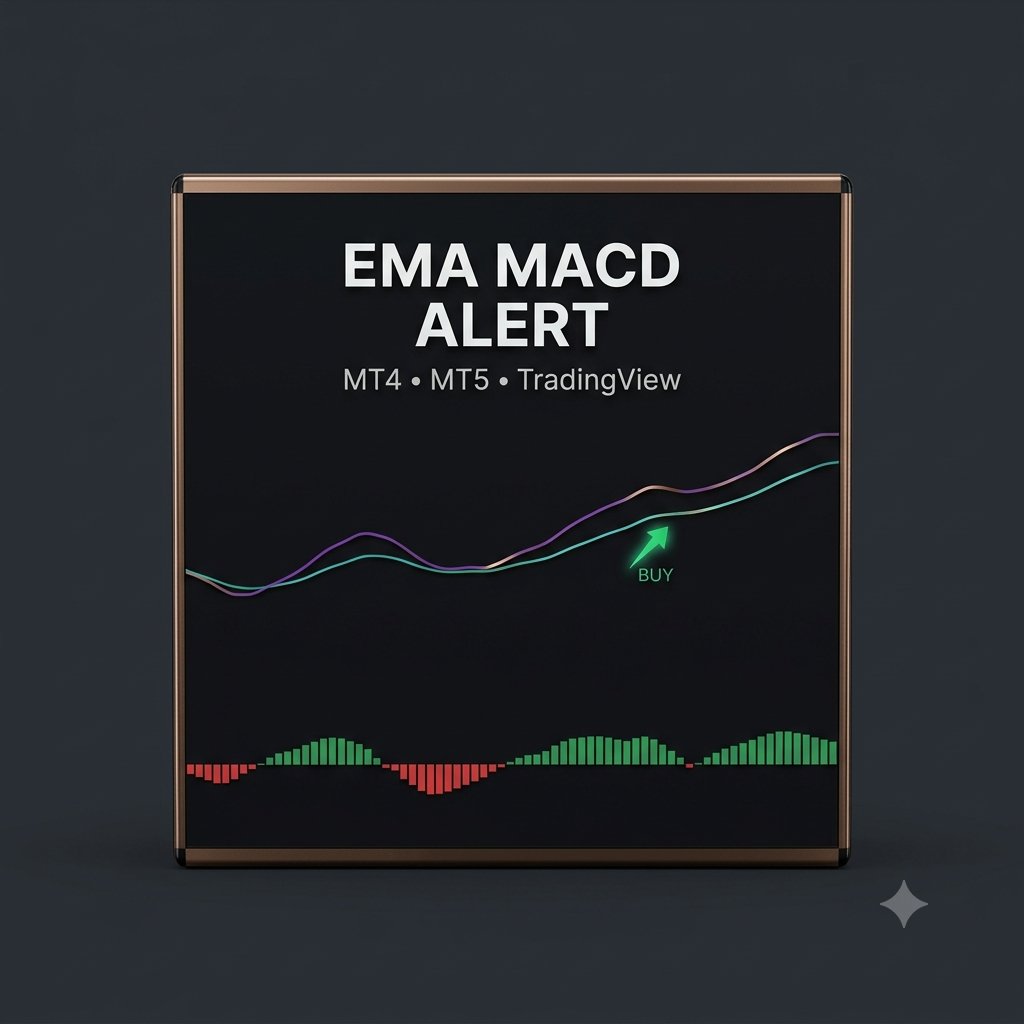
EMA MACD Alert is a two-in-one trend signal indicator for MetaTrader 4 and MetaTrader 5. It combines a fast/slow EMA crossover (9 & 21 by default) with MACD confirmation (12, 26, 9), so instead of watching two separate tools you get a single, clear buy or sell arrow only when both line up.
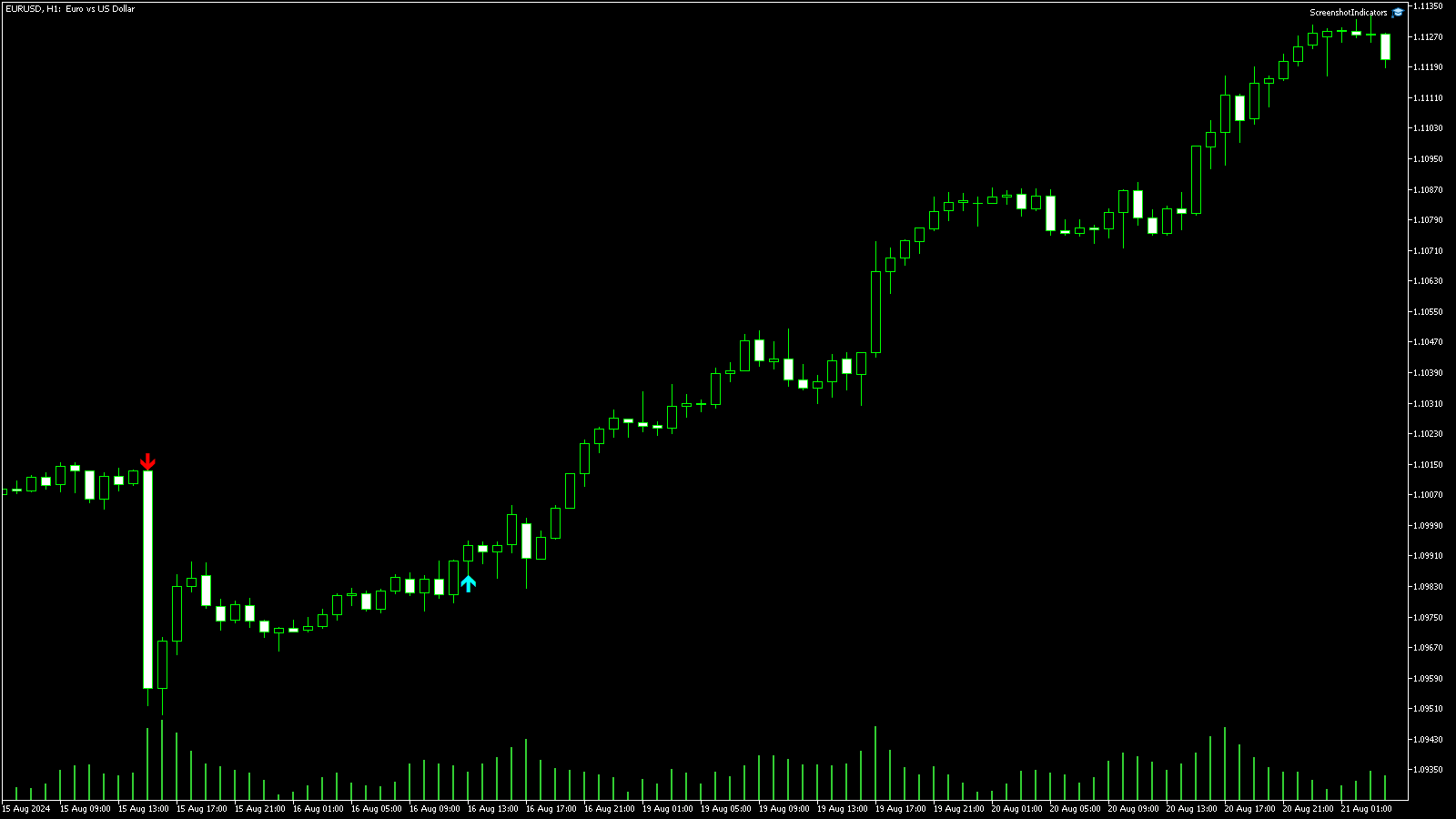
How the Signals Work
- BUY / CALL arrow: the fast EMA crosses above the slow EMA while the MACD main line is above its signal line — crossover and momentum agree to the upside.
- SELL / PUT arrow: the fast EMA crosses below the slow EMA while the MACD main line is below its signal line — crossover and momentum agree to the downside.
- Non-repaint: signals confirm on the closed candle, so an arrow stays put once it prints — what you see in history is what you would have traded live.
Built-In Alerts
The moment a valid signal appears, EMA MACD Alert can notify you four different ways — each one can be switched on or off in the settings:
- 📢 Popup alert inside MetaTrader
- 🔊 Sound alert so you hear every signal
- 📱 Mobile push to the MetaTrader app on your phone
- ✉️ Email alert straight to your inbox
MT4 & MT5 Versions Included
You get both versions — MetaTrader 4 (.ex4) and MetaTrader 5 (.ex5) — so the exact same signals work on whichever MetaTrader platform you trade.
Adjustable Settings
Tune the indicator to your own style — both EMA periods, all three MACD settings (fast, slow, signal), plus arrow codes, offset, and each alert toggle.
How to Use EMA MACD Alert
Open MetaTrader, find EMA MACD Alert in the Navigator panel under Indicators, and drag it onto your chart. It works on any pair and any timeframe — M15–H1 is popular for short-term trading, H4 for swing trades. As a crossover system it performs best in trending markets, so favour the active London / New York hours.
Key Settings
| Setting | Default | What it does |
|---|---|---|
| Fast EMA Period | 9 | The quick EMA that triggers the crossover |
| Slow EMA Period | 21 | The baseline EMA it must cross |
| MACD Fast / Slow / Signal | 12 / 26 / 9 | The momentum confirmation — the arrow only prints when MACD agrees |
Trading the Arrows
- Aqua arrow (BUY / CALL): enter on the open of the next candle after the arrow — the signal confirms on the closed candle, so it never repaints.
- Red arrow (SELL / PUT): same rule in reverse.
- Exits: a common approach is to exit on the opposite arrow, or place a stop beyond the recent swing point. Binary/FTT traders typically match the expiry to 1–3 candles of the chart timeframe.
- Tip: raising the EMA periods (e.g. 20/50) gives fewer but stronger signals on noisy pairs.
Note: This indicator is a decision-support tool for educational purposes. No indicator guarantees results — always confirm with your own analysis and use responsible money management.