Strategy Overview: AI-Driven Pair Selection on Pocket Option
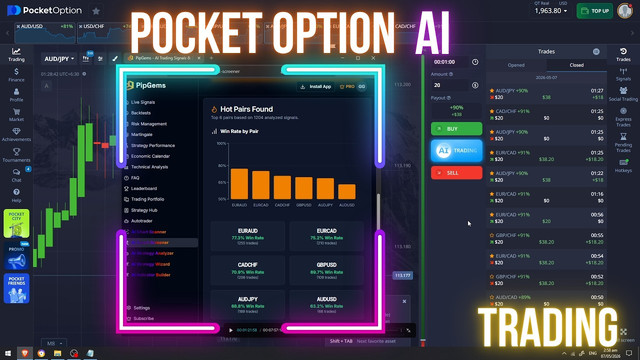
If you want to trade smarter and not just randomly pick currency pairs, this approach is going to change the way you look at the market. We're going to use the AI Smart Screener inside PipGems to identify which currency pairs have been performing well historically, then sync everything with Live Signals so you're only trading setups that actually make sense.
I highly suggest that you limit the number of trades you make each day and apply solid money management to avoid outsized losses. This method lets you focus only on pairs that have a documented edge during your specific trading window — removing guesswork and keeping your chart clean.
Step 1 — Configure Your Time Window
The first step is setting your time window inside the screener. Since we're trading between 2 AM and 4 AM, set the Start Time to 2 AM and the End Time to 4 AM. Market behavior shifts depending on the session, so you want data that reflects exactly the window you plan to be active in.
For even tighter results, try narrowing it to 3 AM to 4 AM. The screener will only analyze signals that fired within that exact hour, so every pair it surfaces has actually performed well during that specific time. That level of precision makes a real difference in signal quality.
Step 2 — Select Your Currency Pairs
Choose only pairs that are active and available on Pocket Option. Prioritize the ones with higher payouts — better payout percentages mean better value on every trade that closes in your favor.
Step 3 — Run the AI Smart Screener
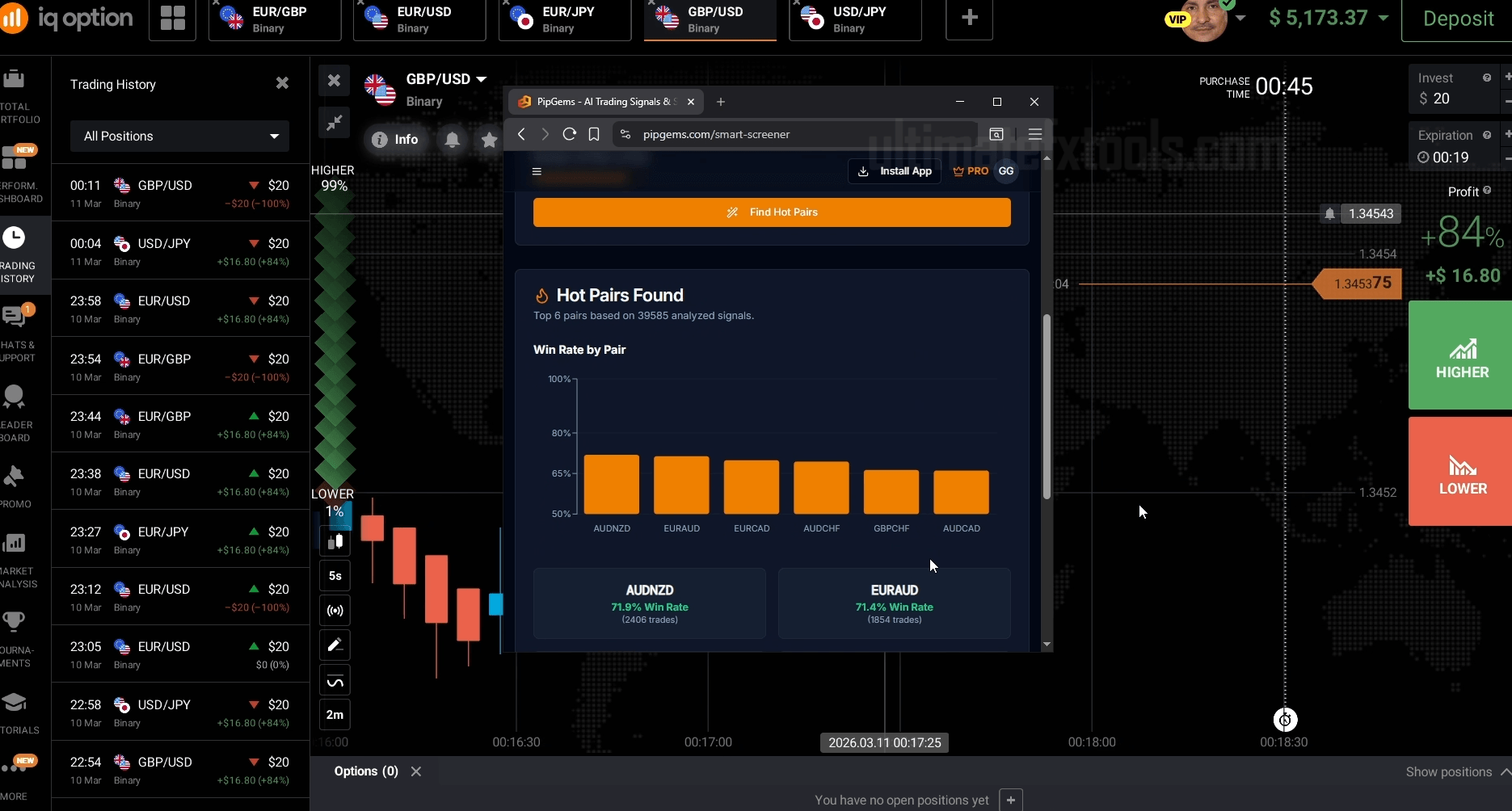
Once your time window and pairs are configured, hit Find Hot Pairs and let the screener analyze the data. It processes over a thousand historical signals to rank the top performers for your selected window.
The results are backed by real historical data, not guesswork. Here's an example of what the screener can surface:
- EUR/AUD — consistently strong performer across a large historical sample
- EUR/CAD — high sample size with reliable directional accuracy
- CAD/CHF — clean reversal behavior during the early morning session
- GBP/USD — broad liquidity with well-defined signal patterns
- AUD/JPY — momentum-driven with solid historical follow-through
Step 4 — Sync with Live Signals
Take your screener results and head to the Live Signals page inside PipGems. Filter your currency pairs to match exactly what the screener recommended. Remove anything that didn't rank well — if a pair has a low historical rate for your session, there's no reason to be watching it. Keep your focus clean.
Set your signal display interval to one minute so you catch every entry as it comes in. Then wait for the signals.
Trade Examples
CAD/CHF — PUT Signal
CAD/CHF fires a PUT signal. You pull up the chart and the structure confirms it — price had been pushing upward and the signal is calling a reversal back down. The trend is already turning. That trade closes in your favor.
AUD/JPY — CALL Signal
AUD/JPY shows a pending CALL signal. You look at the chart and price is already surging upward aggressively. The momentum is strong and the signal is aligned with it. That one closes well too.
EUR/AUD — PUT Signal
EUR/AUD comes in with a PUT signal. The payout is on the lower side, which is actually fine in this scenario. When payout is lower, it often means volatility is lower too — and lower volatility generally means cleaner, more predictable price movement. Reversals are easier to capture. The setup still plays out.
Why This Works
The Live Signals inside PipGems connect to live forex market data through MetaTrader servers, so everything you're seeing is based on real price action, not OTC synthetic data. These are pure forex pairs, and that matters for the quality of the signal.
You don't have to force trades. You don't have to guess. Set the screener for your session window, let it identify the statistically strongest pairs, sync them to Live Signals, and trade only the setups the data already supports.
Watch the Full Strategy Walkthrough
See the AI Smart Screener and Live Signals setup in action — real pair selection, indicator configuration, and live trade entries on Pocket Option.
Risk Disclaimer
This content is for educational purposes only. Trading involves significant risk. Past performance does not guarantee future results. Always practice responsible money management and only trade with capital you can afford to lose.
#PocketOption #PipGems #AISmartScreener #ForexStrategy #LiveSignals #CurrencyPairs #ForexEducation #TradingStrategy #EURAUD #CADCHF #AUDJPY #ForexTutorial2026