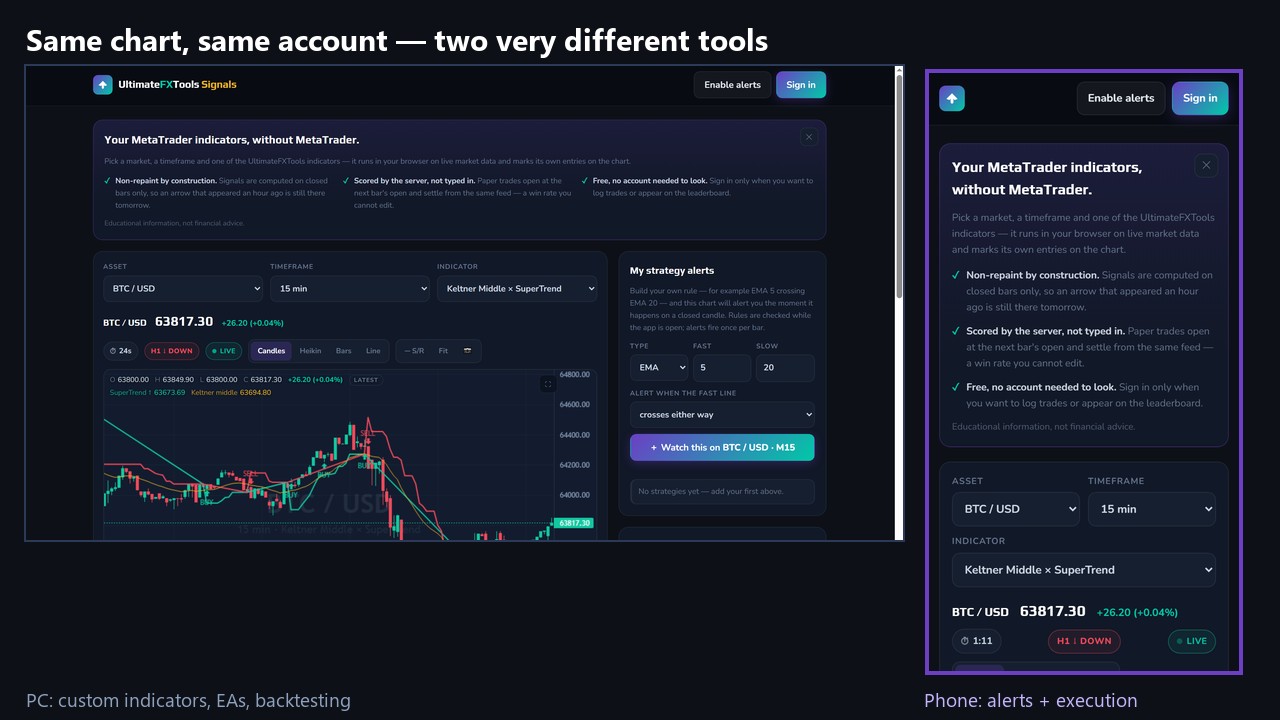
One Fact Decides Most of This
Before any comparison of screens, speed or convenience, there is a single technical fact that settles more arguments than the rest of this article combined:
Custom MT4 and MT5 indicators do not run in the MetaTrader phone apps. At all. Not slowly, not partially — the mobile apps cannot load a .ex4 or .ex5 file, and there is no setting, no workaround and no premium tier that changes it. It is a MetaQuotes limitation, and it applies to every custom indicator from every vendor, ours included.
This is the single most common misunderstanding we deal with. Someone buys an indicator library, installs the MetaTrader app on their phone, finds no way to add the files, and reasonably concludes something is broken. Nothing is broken. The phone app was never able to do it.
So the honest question is not “phone or PC?” It is: which parts of trading belong on which device? Once you split it that way, most of the frustration disappears.
What the Phone Genuinely Does Well
Plenty — as long as you are not asking it to run custom code.
- The broker's own app is fully featured. Quotex, Pocket Option, Olymp Trade and IQ Option all ship real mobile platforms with their built-in indicators — moving averages, RSI, MACD, Bollinger Bands, Parabolic SAR. Every one of our mobile strategy guides is built on those built-ins for exactly this reason.
- Execution is fast. Placing a trade is a thumb tap. For fixed-time entries, a phone is not slower than a mouse.
- Alerts reach you anywhere. This is the phone's real superpower, and the next section is entirely about it.
- It is always with you. A setup you can act on beats a better setup you missed because you were away from the desk.
What Still Needs a PC
- Custom indicators — every
.ex4/.ex5file, ours and everyone else's. MetaTrader on Windows, no exceptions. - Expert Advisors. EAs do not run on the mobile apps either. An EA needs the desktop terminal running — which is also why serious EA users rent a VPS rather than leave a laptop on.
- Backtesting. The Strategy Tester is desktop-only, and testing an idea before risking money on it is the most valuable thing the desktop offers.
- Real chart work. Marking levels across several timeframes, comparing pairs side by side, reading a long history — all of it needs the pixels.
The screen difference is larger than it feels. A typical phone gives you roughly 390 by 844 points; a modest laptop gives 1366 by 768. That is not “a bit smaller” — it is about a third of the chart width, which is why a phone chart shows you far fewer candles of context at a readable size.
The Setup That Actually Works: Use Both
The traders who stop fighting this run a hybrid, and it is worth copying:
- The PC does the analysis. MetaTrader runs on a Windows machine with your custom indicators on the chart. It stays on.
- The PC pushes the alert to your phone. MetaTrader has its own notification service, free, no third-party app.
- You trade on the phone. The alert names the pair and direction; you open the broker app and place it.
That is the whole workflow, and it removes the need to sit at a desk without giving up the indicators.
How to switch the alerts on
- Install MetaTrader 4 or 5 on the phone, open Settings → Messages, and copy the MetaQuotes ID.
- On the PC terminal: Tools → Options → Notifications, tick Enable Push Notifications, paste the ID, press Test.
- Check the indicator itself has a mobile-alert input and that it is set to true.
The step everyone misses: the indicator has to actually send the notification. An indicator that only calls a popup alert will beep on the PC and never reach the phone, no matter how correctly you set up the MetaQuotes ID. In our own library this differs file to file — Binary Sniper Pro V5 has a push input, while V3 alerts on the desktop only. If your phone stays silent, check that input before assuming the setup failed.
The PC must stay switched on with the chart open — the terminal is what sends the message. The phone only receives it.
The Third Option: Skip MetaTrader on the Phone Entirely
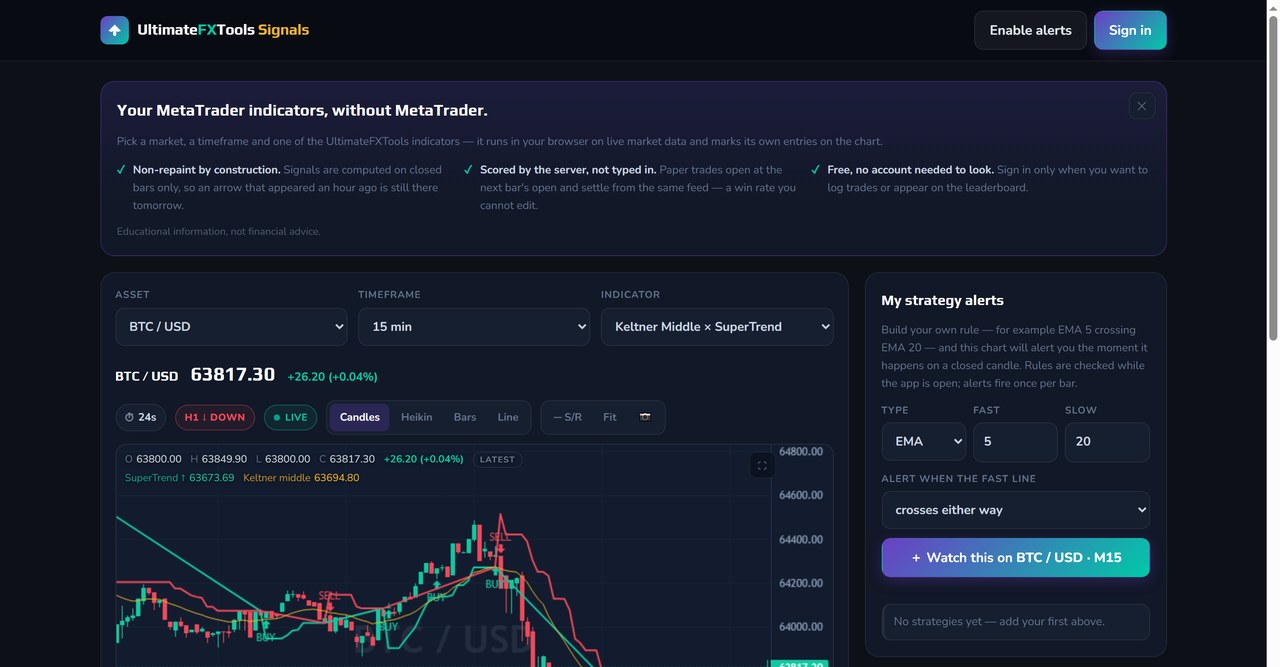
The hybrid still assumes a PC is running somewhere. If you genuinely only have a phone, there is a way around the whole limitation: run the indicators in the phone's browser instead of in MetaTrader.
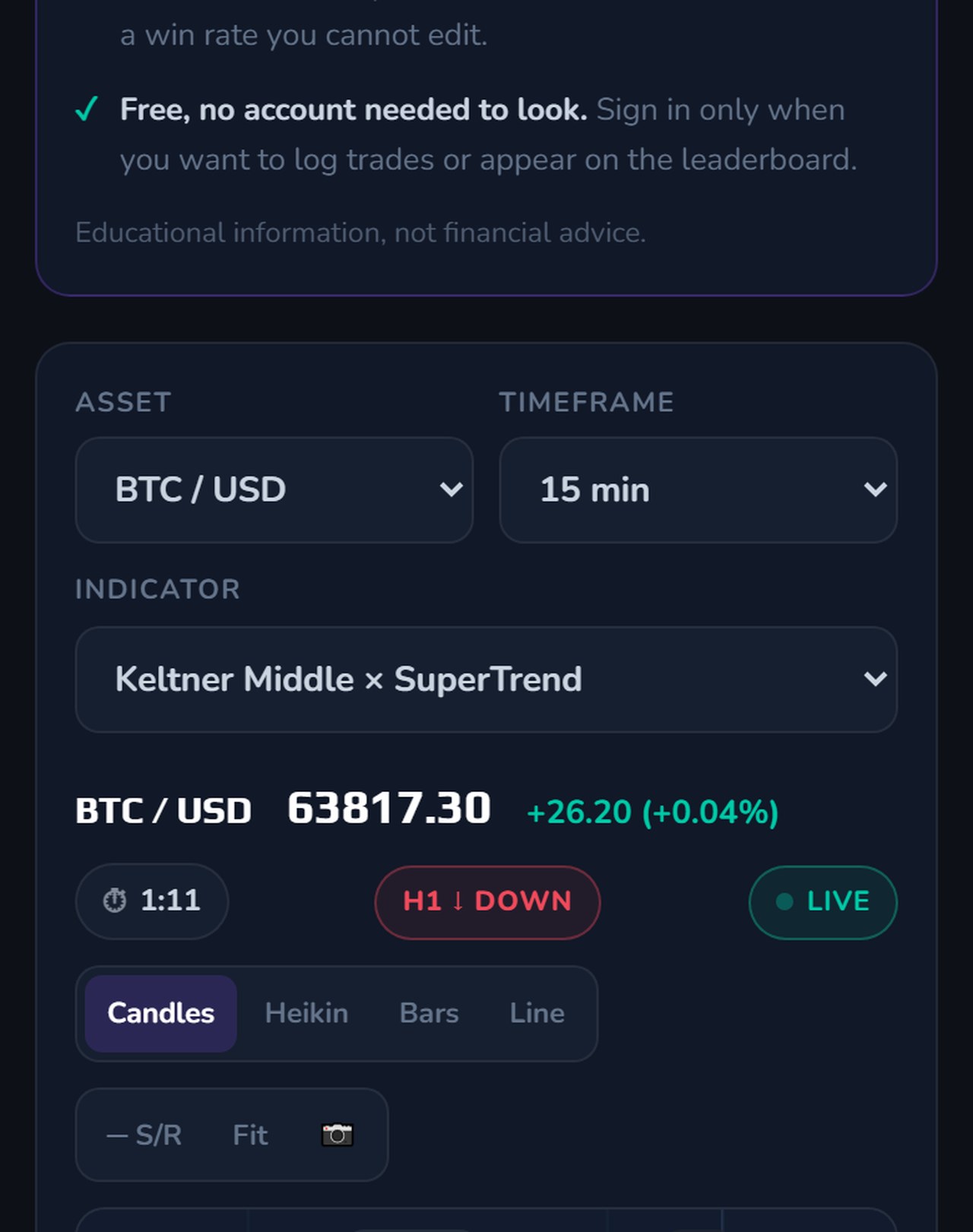
That is precisely why we built app.ultimatefxtools.com — 30 of the indicators, computed live in the browser, on a phone, with no MetaTrader involved. It also does the thing the desktop hybrid does: you can build a rule (say EMA 5 crossing EMA 20), and it alerts you when that cross happens on a closed candle. It installs to the home screen, and a month of it is included with the $39 package — or see the 6-month and 1-year plans.
Being straight about the trade-off: a browser app is not MetaTrader. There is no Strategy Tester, no EAs, and you are working with the indicators we have ported rather than every file in the library. It solves the mobile problem specifically — it does not replace a desktop terminal for someone who has one.
Where the Phone Actively Hurts You
Two failure modes worth naming, because both cost money rather than convenience:
- Fat-finger risk on short expiries. On a 5- or 15-second trade the difference between the right button and the one beside it is a few millimetres. The desktop's separation between “decide” and “click” is a real safety feature.
- The phone is designed to interrupt you. Notifications, messages, the pull to check something else — a device built for distraction is a poor place to exercise discipline. Most over-trading we hear about happens on a phone, in bed, at night.
Neither is an argument against phones. They are an argument for deciding your rules before you pick the device up — which the risk and trade management guide covers in more detail.
The Short Answer
| Task | Phone | PC |
|---|---|---|
| Custom MT4/MT5 indicators | Impossible | Yes |
| Expert Advisors (EAs) | Impossible | Yes |
| Backtesting | No | Yes |
| Broker's built-in indicators | Yes | Yes |
| Placing trades | Yes, fast | Yes |
| Receiving alerts | Best | Only at the desk |
| Multi-timeframe chart work | Cramped | Yes |
| Browser-based indicators | Yes | Yes |
The Verdict
5 out of 5 — for the hybrid, not for either device on its own. The rating is for the workflow, because the workflow is what solves the problem: analysis on the machine that can run your tools, alerts pushed to the device that is always with you, execution wherever you happen to be. Nothing about it is expensive or complicated, and it removes the false choice this question usually turns into.
If you only have a phone, you are not locked out — you are limited to built-in indicators inside the broker app, or browser-based tools like ours. If you only have a PC, you are giving up the alerts that make the rest of it usable away from the desk. The full picture needs both, and both are things you already own.
#MobileTrading #PhoneVsPC #MetaTrader #MT4 #MT5 #TradingSetup #PushNotifications #TradingTools #BinaryOptions
Frequently Asked Questions
Can I use custom MT4 or MT5 indicators on my phone?
No. The MetaTrader 4 and MetaTrader 5 mobile apps cannot load custom .ex4 or .ex5 files at all. This is a MetaQuotes limitation that applies to every custom indicator from every vendor, and there is no setting or paid tier that changes it. Custom indicators require MetaTrader on a Windows PC.
How do I get MetaTrader alerts on my phone?
Install MetaTrader on the phone, open Settings then Messages and copy the MetaQuotes ID. On the PC terminal go to Tools, Options, Notifications, tick Enable Push Notifications and paste that ID. The indicator must also send a mobile notification - an indicator that only fires a popup alert will beep on the PC and never reach the phone.
Can I trade properly using only a phone?
Yes, with two limits. You can use the broker app's built-in indicators such as moving averages, RSI and MACD, and you can place trades quickly. You cannot run custom indicators, Expert Advisors or a backtest. Browser-based tools are a third route, since they compute indicators in the phone browser without MetaTrader.
Is a phone or a PC better for trading?
Neither alone. The practical setup is a hybrid: the PC runs the analysis and custom indicators, it pushes alerts to the phone, and the phone executes the trade. That way you keep the tools that need a desktop without having to sit at the desk to use them.
This content is for educational purposes only and is not financial advice. Trading involves substantial risk; you can lose some or all of your capital. No result is guaranteed and past performance does not indicate future results. Trade only what you can afford to lose.
Trading from a phone right now? Start with a strategy built on built-in indicators: 3 indicators for Pocket Option mobile, 2 indicators on Quotex mobile, or the IQ Option mobile app strategy. On a PC, the full MT4 and MT5 library is what the $39 lifetime pack unlocks.


