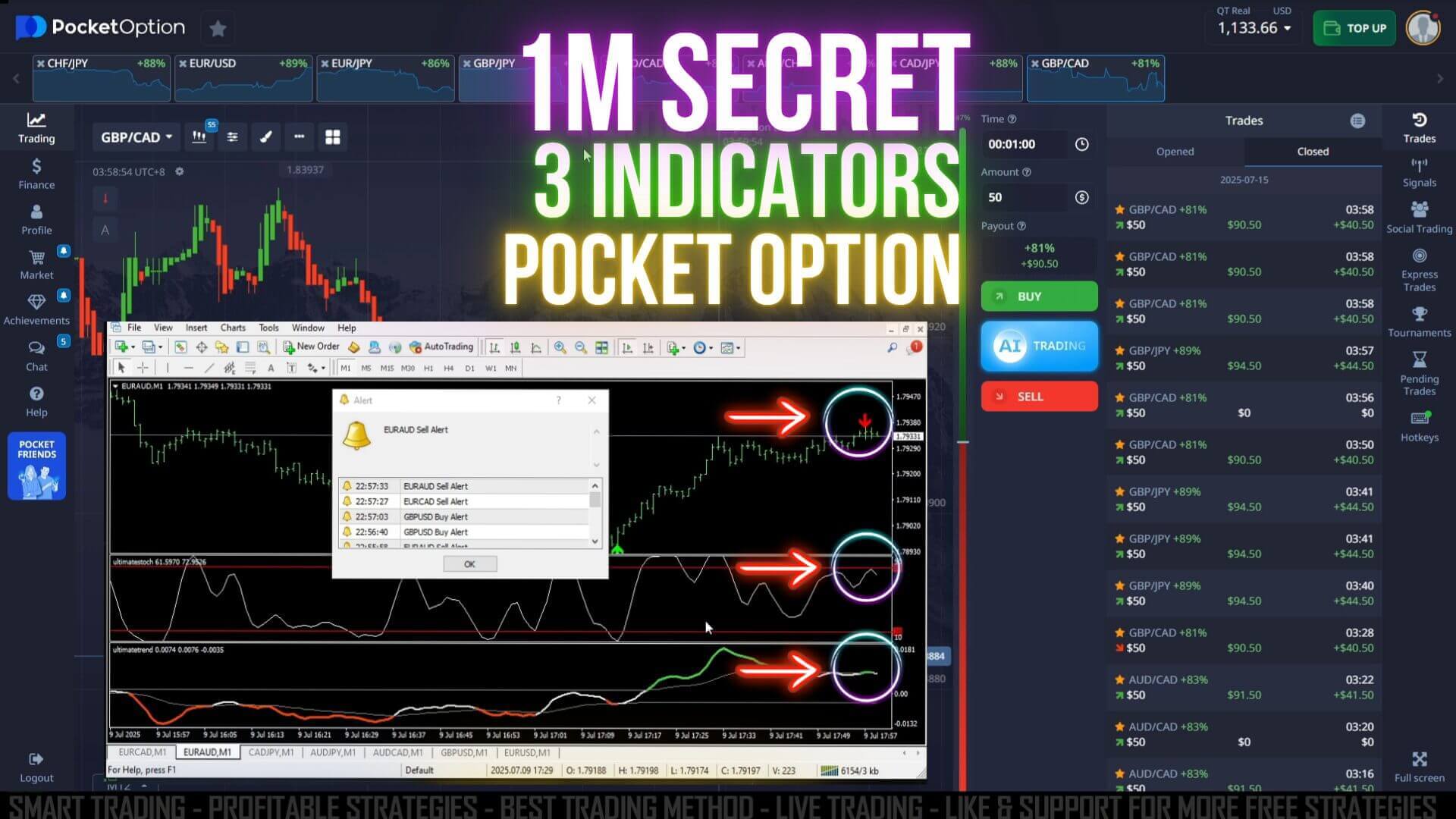
"1 Minute Secret"
"Pocket Option Strategy"
"3 Indicators Ultimatefxtools"
1 Minute Secret Strategy - 3 Indicators Pocket Option
Trading Pocket Option successfully requires a reliable strategy and the right tools. This strategy focuses on trend confirmation, candle types, and timing to increase your chances of winning trades.
Step 1: Download and Attach Ultimatefxtools Indicators
To start, you need to install the three key indicators:
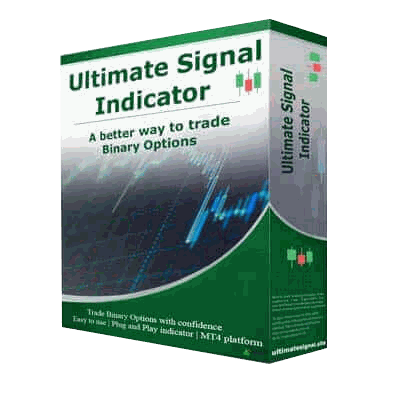
- Ultimate Signal
- Ultimate Stoch
- Ultimate Trend Indicator
How to install:
- Go to ultimatefxtools.com and download the strategy package.
- Extract the downloaded files and copy the three indicator files.
- Open your MT4 platform, then go to
File>Open Data Folder>MQL4>Indicators. - Paste the copied indicator files into the
Indicatorsfolder. - Return to MT4, right-click on the Navigator panel, and click Refresh.
- You will see the three indicators listed under Indicators.
- Double-click each indicator to add it to your chart.
- Right-click on your chart and turn off the grid for a cleaner look.
- Save your setup as a template for easy reattachment when switching currency pairs.
Step 2: Understand the Indicators and Candle Settings
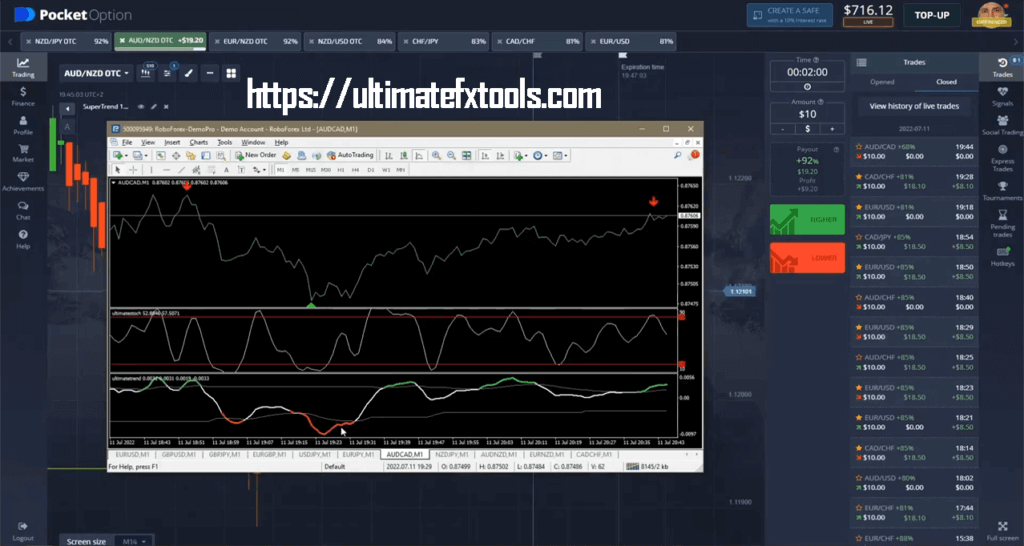
- Ultimate Trend Indicator: Shows trend strength and support/resistance levels. Look for the red line at maximum support or a reliable arrow indicating trend direction.
- Ultimate Stoch: Indicates momentum. When it is in the middle but dropping, it signals weakening strength.
- Ultimate Signal: Confirms buy or sell alerts.
Candle Type and Time Frame:
- Use Heiken Ashi candles to filter noise and clarify trends.
- Set your chart time frame to 5 seconds for precise entry points.
- Enter trades for a 1-minute duration, which aligns with short-term trend movements.


Step 3: Tips for Easy Win
- Stick strictly to the strategy rules for entry signals.
- Avoid trading when indicator confirmations are weak or contradictory.
- Use long wicks on candles as an additional sign of trend reversal but do not rely solely on this.
- Wait for confirmation alerts before entering new trades.
- Manage your trades wisely; don’t overtrade on weak signals.
Conclusion
Using the Ultimatefxtools with MetaTrader 4 provides clear and actionable signals for trading GBP/JPY, GBP/CAD, and other currency pairs. Combining Heiken Ashi candles with short time frames allows you to capture quick trend reversals effectively.
Stay patient, follow the strategy carefully, and maintain discipline to increase your winning trades consistently.
#ForexTrading #GBPJPY #GBPCAD #MetaTrader4 #TradingStrategy #ForexSignals #HeikenAshi #ShortTermTrading #UltimateFXTools #PocketOption #ForexTips #DayTrading