"3 Secret Indicators to Win"
"Olymp Trade Strategy 2025"
"Easy Reversal Method"
A Beginner-Friendly Strategy with Easy Method
The Ultimatefxtools trading method could be a great fit. This method offers a good strategy and focuses on trading with popular currency pairs. Below is a detailed guide on how to install the template, use the indicators, and execute trades efficiently.
How to Set Up the Ultimatefxtools Template on MetaTrader 4 (MT4)
Download the Template and Indicators
Ensure you have the Ultimatefxtools indicators file and all associated mt4 installers ready.Install Indicators
- Open MT4.
- Go to
File>Open Data Folder>MQL4>Indicators. - Copy the downloaded indicator files into this folder.
- Restart MT4 to load new indicators.
Attach the Template
- Right-click on any chart window.
- Select
Template>Load Template. - Choose the Ultimatefxtools template file.
- The indicators will appear on your chart as configured.
Trading Strategy Overview
Signal Confirmation Process
Trading Alert System
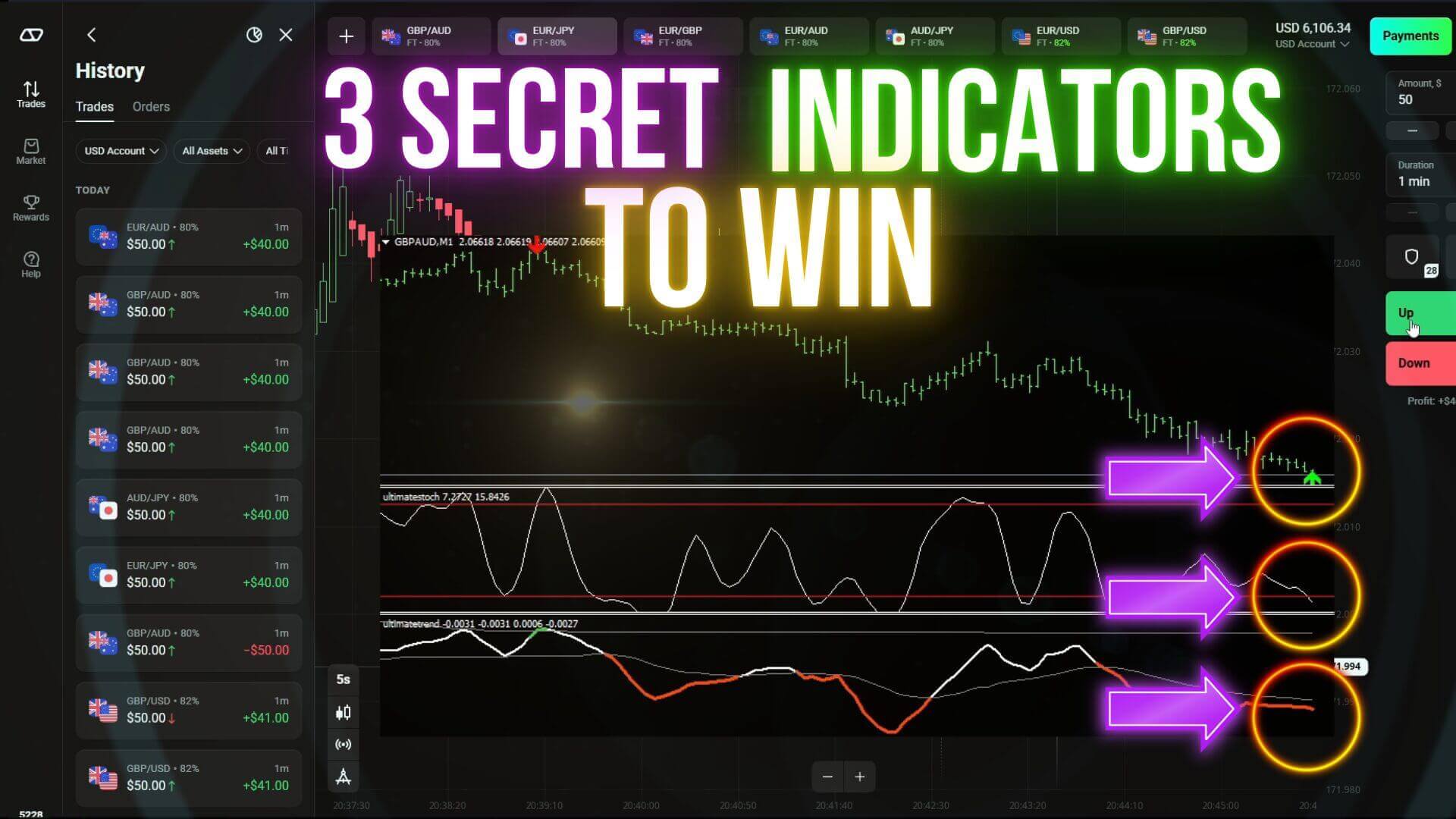
When the system alerts a potential trade (e.g., an arrow appears on GBP/AUD chart), check the signal immediately.Confirm with Indicators
- Stochastic Oscillator should be at the bottom level indicating oversold conditions.
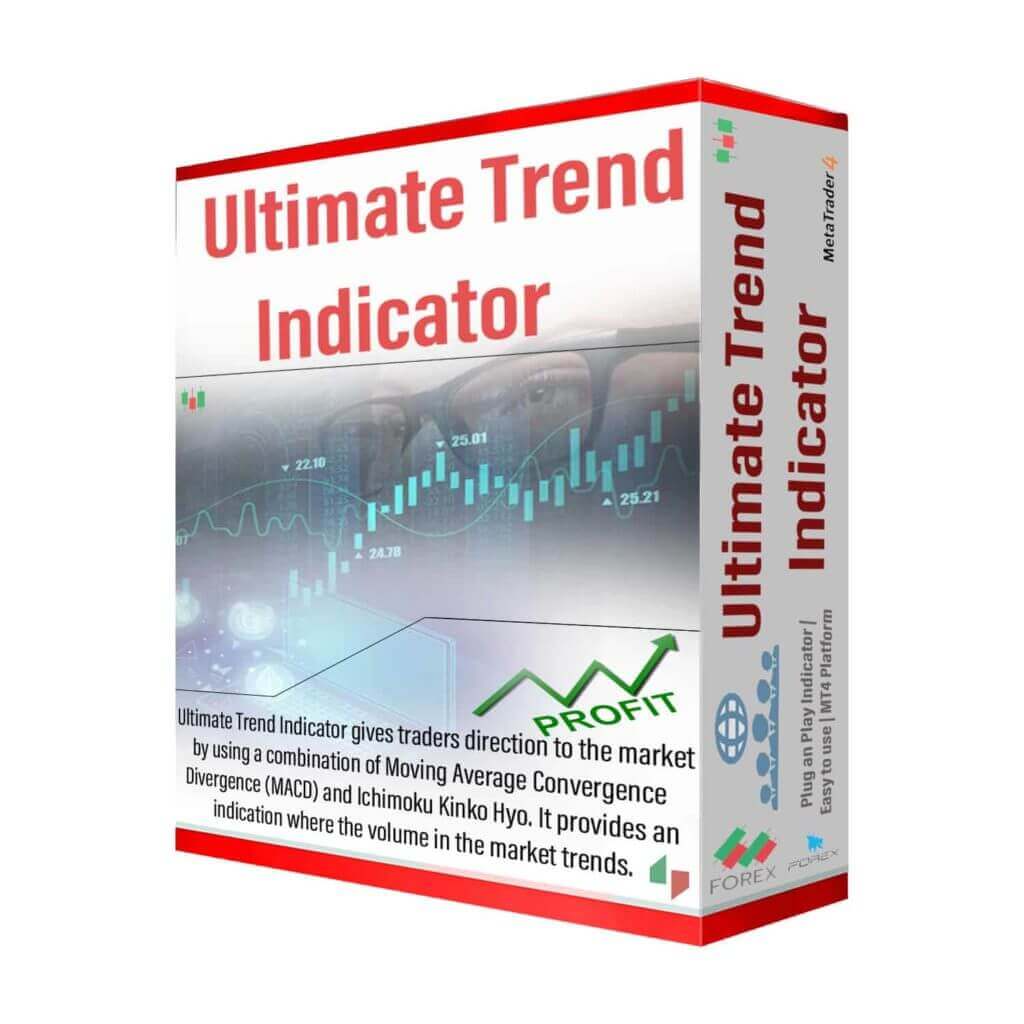
- The Ultimate Trend indicator must show a maximum support level with a red colored line.
Candle Duration
Confirm a 5-second Heiken Ashi candle pattern before entering. This helps filter out false signals.Trade Duration
Keep trades open for 1 minute to maximize winning chances based on backtested data.
Managing Trades
- Initial Trade: Enter once confirmed by alerts and indicator positions.
- Recovery Trades (Martingale Method): Place up to three recovery trades if the initial trade fails, adjusting risk accordingly.
- Risk Management: Use no more than 1% of your total balance per trade to protect your capital and make consistent gains.
- Daily Target: Aim for a daily of 3-5%, which is achievable with disciplined risk and trade management.
Final Tips
- Always wait for full confirmation from both the alert and indicators before placing a trade.
- Avoid trading when signals are unclear or conflicting.
- Stick to proper money management rules to sustain long-term.
- Follow the tutorial and video guides for step-by-step instructions and real trade examples.
#ForexTrading #FXTools #TradingStrategy #MetaTrader4 #ForexBeginners #ForexSignals #MartingaleMethod #CurrencyTrading #StochasticIndicator #RiskManagement #ShortTermTrading #ForexTips #UltimateFXTools