Refine Your Trading with
Educational Analysis & Tools
Comprehensive support and strategic insights to understand and navigate fast-moving financial markets responsibly.
Comprehensive support and strategic insights to understand and navigate fast-moving financial markets responsibly.
CRITICAL RISK WARNING
Trading derivatives, forex, and CFDs carries a **very high level of risk** and may not be suitable for all investors. Due to the volatile nature of the market, **you can lose your entire investment quickly.** It’s important to understand these significant risks and only trade with money you can afford to lose. Our tools are for educational purposes and do not eliminate risk.
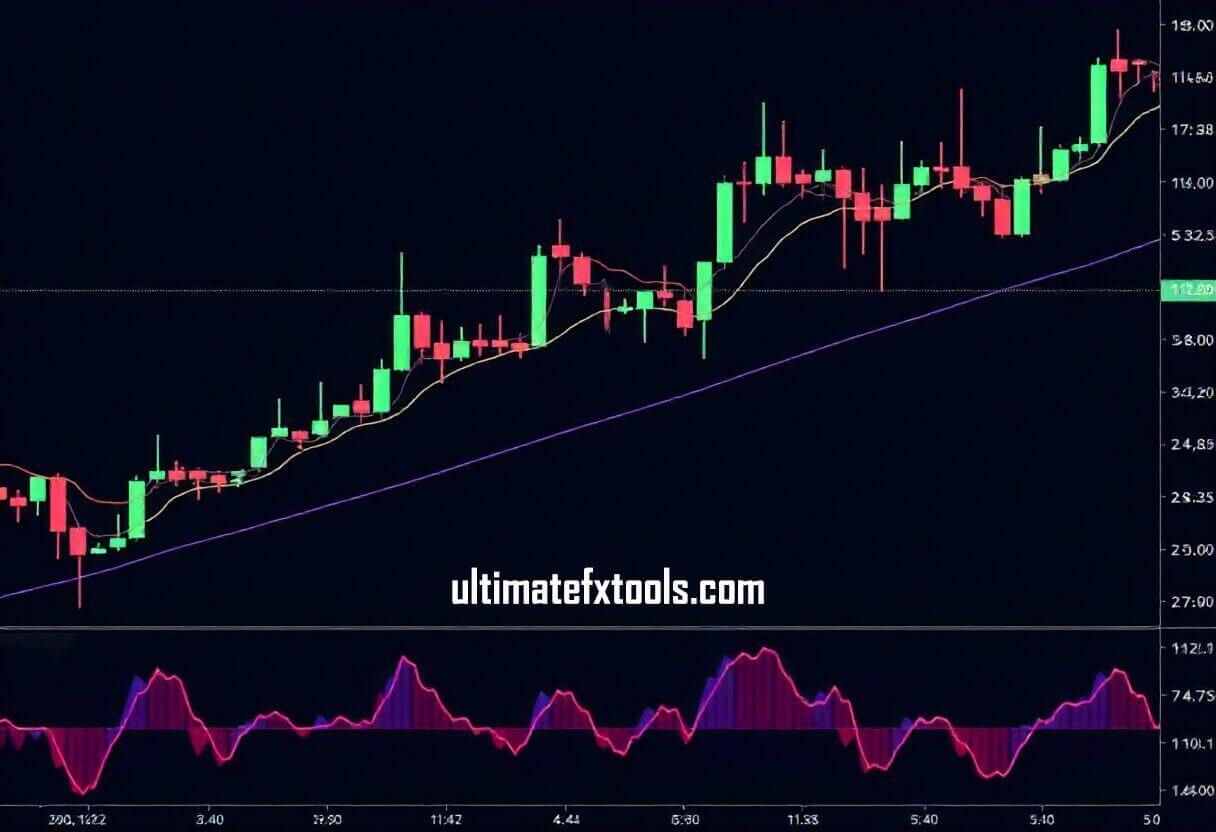
Ultimatefxtools provides advanced **technical analysis strategies** tailored to meet the needs of traders. Our expertise extends to understanding the dynamics of the **Forex market**, where we apply our deep trading knowledge to study market outcomes.
Additionally, we focus on various short-term and long-term analysis methods. We offer our users comprehensive educational support and strategic insights to navigate fast-moving financial markets effectively.
Analyzing the direction of the current price movement. We provide MT4, MT5, Tradingview Indicators/EA's & Scripts to help you practice identifying and following trends effectively.
This involves adjusting position size to potentially recover losses, but it carries an **extremely high risk** of large and fast capital loss. We provide educational videos on how this highly dangerous method works.
Using our educational tool to calculate position sizes and loss limits based on predefined parameters, which helps in **simulating risk management scenarios.**
Access comprehensive MetaTrader indicators, video tutorials, and strategy guides for technical analysis education.
View Membership Details →See what's included • Pricing • FAQs
Visit the Downloads Page to choose and purchase your indicators. After checkout, the files are automatically sent to your email. Extract the .zip file using WinRAR or 7-Zip. Files are in .ex4 format (Educational Software).
Install a preferred terminal (e.g., *Broker Name 1*, *Broker Name 2*, etc.) or download from the official MT4 website.
In MT4/MT5, click File → Open Data Folder. Navigate to MQL4/Indicators (for MT4) or MQL5/Indicators (for MT5).
Copy the .ex4 files into the Indicators folder you just opened.
Close and reopen MT4/MT5 to refresh the indicators list.
Click Insert → Indicators → Custom and select your new indicator.
If the indicator doesn't appear or you have problems (no alerts, expired, no visuals), email us immediately at support@wew.test.
Select a regulated broker that offers a **demo account** for practice. Make sure it complies with regulations in your country.
Register and fund your **demo trading account** (no real money needed for practice) as per the broker's guidelines.
Choose the asset you want to analyze and test one of our strategies or indicators on the demo account.
Decide how much risk you'd take per trade. **Always practice on a demo account** before considering a live account.
Execute the trade (Buy/Sell) in the **demo environment** and track the result to learn from the outcome.
The regulation of online trading varies by country. Some countries have strict rules governing online trading, while others remain less regulated. **Always ensure that a reputable authority regulates your broker.**
There are many trusted brokers to choose from. When choosing a broker, consider factors such as: