What Changed in DreamX V3
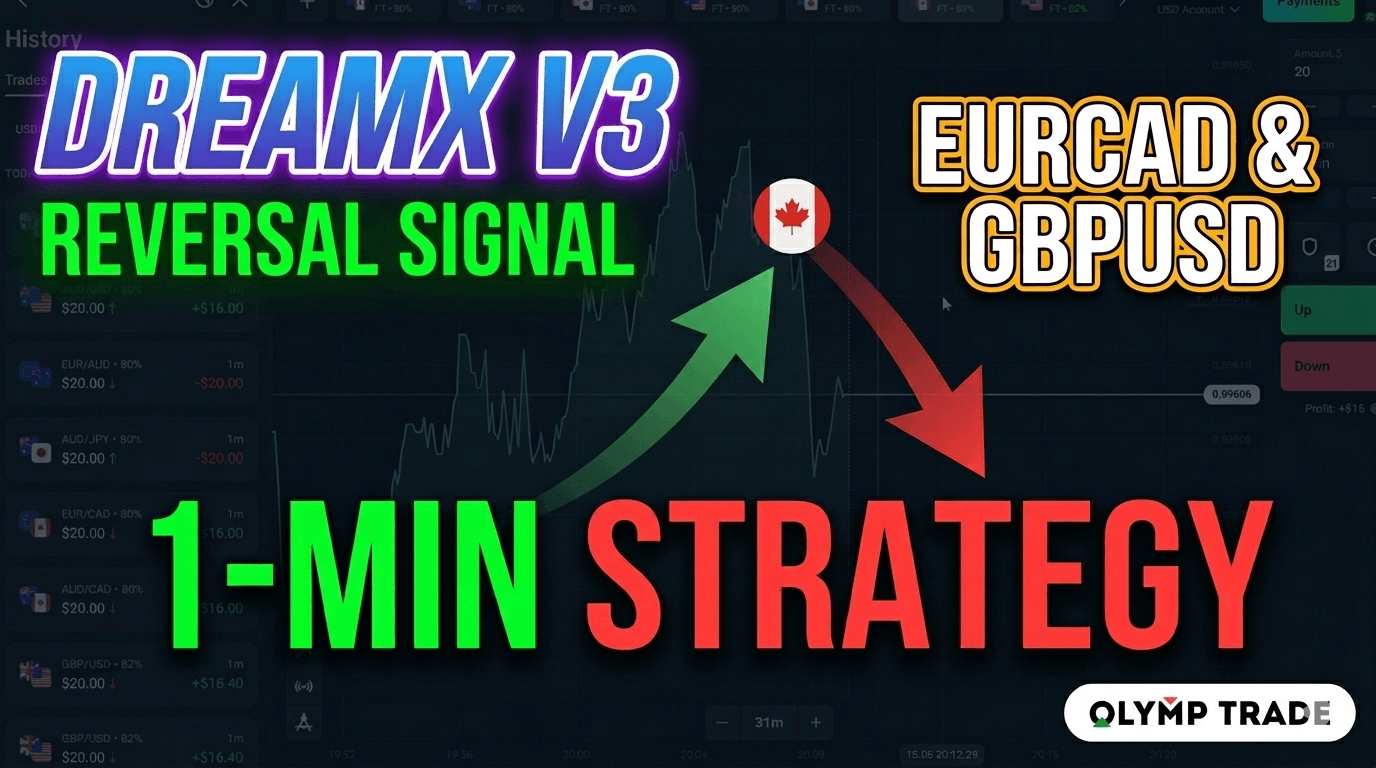
Earlier versions of the DreamX indicator focused on trend-following — entering in the direction of the prevailing move. DreamX Version 3 takes a different approach. It has been fully upgraded to a reversal system, designed specifically for the 1-minute timeframe inside MetaTrader 5.
Instead of following trends, DreamX V3 identifies moments when a move is exhausted and price is likely to snap back in the opposite direction. The indicator signals this shift through a line color change — from one color to another — combined with a directional arrow and an alert popup in a small window on your screen.
The result is a clean, visual signal that requires no complex interpretation. When the line turns green or red, you know which direction to consider for the next 1-minute candle.
Indicator Setup
DreamX V3 runs on MetaTrader 5 (MT5). Once installed, add it to the 1-minute chart of your chosen currency pair. No complex configuration is required — the indicator works at its default settings after installation.
DreamX V3 — Configuration
DreamX V3 is available on the Dream X 3 indicator page. Install it as a standard MT5 custom indicator and apply it to any 1-minute chart.
Reading the Color-Change Signal
The signal is straightforward once you understand what the color change means. DreamX V3 does not paint the signal on the current candle — it confirms on the close of the 1-minute bar, then fires the alert and changes the line color for the next potential entry.
- Line turns green on the indicator
- Upward arrow appears on the chart
- Alert popup fires in a small window
- Look for a potential bullish reversal entry on Olymp Trade
- Line turns red on the indicator
- Downward arrow appears on the chart
- Alert popup fires in a small window
- Look for a potential bearish reversal entry on Olymp Trade
Because DreamX V3 is a reversal indicator, alerts that fire against the dominant short-term trend carry the most weight. A down alert after a strong rally — or an up alert after a sharp drop — tends to produce the cleaner setups.
Step-by-Step Trade Execution
-
01Open the 1-Minute Chart in MT5
Set your MetaTrader 5 chart to the M1 (1-minute) timeframe on one of the recommended pairs. Apply the DreamX V3 indicator from your custom indicators list.
-
02Wait for the Color Change
Monitor the indicator line on the chart. Do not act on a partial candle — wait for the full 1-minute bar to close and the color change to confirm before considering an entry.
-
03Confirm the Arrow and Alert
A valid signal includes both a directional arrow on the chart and an alert popup in the small window. If only one appears, wait for the next clean signal.
-
04Open Your Trade on Olymp Trade
Switch to your Olymp Trade platform and place your trade in the direction of the DreamX V3 signal — UP for a green alert, DOWN for a red alert. Use your standard stake size.
-
05Follow the Signal — Not the Trend
DreamX V3 is a reversal system. If a new signal fires in the opposite direction during the same session, follow the new signal. In the live session shown, an initial up signal on GBPUSD was followed by a down confirmation — that new signal was the valid entry.
Best Currency Pairs for This Strategy
Focus on pairs that carry favorable return rates on Olymp Trade. These pairs tend to offer cleaner 1-minute price action and better conditions for reversal setups:
- GBP/USD — strong intraday volatility, clear reversal signals
- EUR/CAD (EuroCAD) — consistent short-term swings, reliable signal frequency
- AUD/CAD — smooth price movement, responds well to reversal setups
These pairs were specifically chosen for sessions on Olymp Trade because their return rates on the platform make the math of the strategy work. Start with one pair — GBPUSD or EuroCAD — and add more only after you are comfortable reading the DreamX V3 signal consistently.
Check the current return rate displayed on Olymp Trade before each session. Focus on pairs where the listed return rate is favorable — this is what makes the strategy viable over a series of trades.
Live Session Recap
In the recorded session, DreamX V3 fired multiple signals across EuroCAD, GBPUSD, and AUDCAD within a single trading window. Here is how the session unfolded:
- Both EuroCAD and GBPUSD initially showed up alerts — entries were placed on both pairs
- A new GBPUSD down alert fired during the session — the reversal signal was followed, replacing the earlier up direction
- Both the GBPUSD and EuroCAD positions from the up alerts closed in profit
- A subsequent EuroCAD down alert was received and traded
- An AUDCAD down alert was also confirmed and followed
The key takeaway from the session: DreamX V3 can fire multiple signals across different pairs in the same window. Each alert is independent — treat each one on its own merits and do not assume a signal on one pair predicts the direction on another.
Final Thoughts
DreamX V3 takes the complexity out of short-term reversal trading. The color-change alert system eliminates guesswork — you either have a signal or you do not. Combined with Olymp Trade's 1-minute expiry on standard pairs, it gives you a structured, repeatable approach to identifying short-term momentum shifts.
Ready to use it? Visit the Dream X 3 indicator page to get the download. Explore the full library of UltimateFXTools indicators and browse our Olymp Trade strategy guides to build out your trading toolkit further.
Explore Our Indicator Packages
Get access to 100+ professional indicators, strategies, and tools — all compatible with MT4, MT5, and your favorite trading platforms.
This content is for educational purposes only. Trading involves significant risk and past results do not indicate future performance. Never trade with money you cannot afford to lose. Always conduct your own research before making any trading decisions.