Boost Success with Canvas Trend Line - Tradingview Script
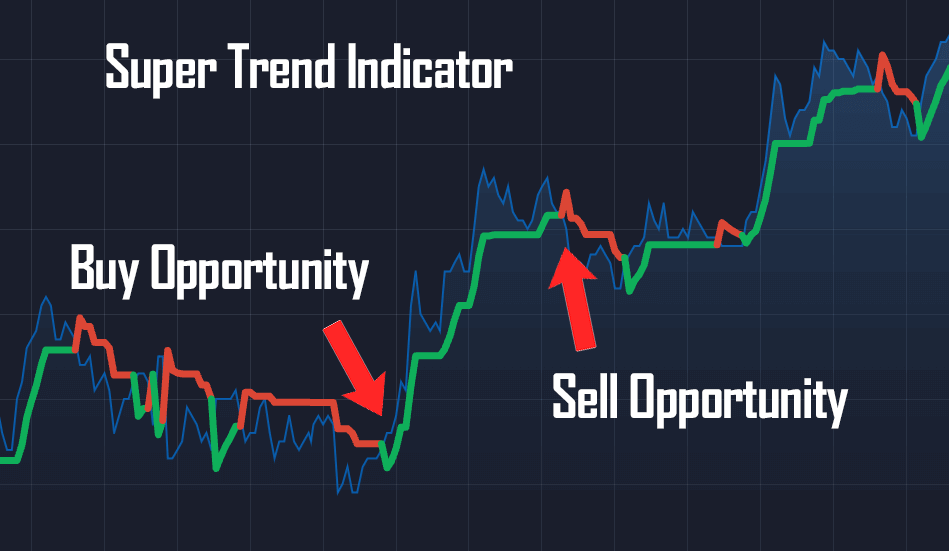
Optimizing trading strategy and enhancing trading decisions. The "Canvas Trend" TradingView script could be the best choice for you. This copy and paste script will identify potential trends and spotting entry/exit points.
What is the "Canvas Trend" Script?
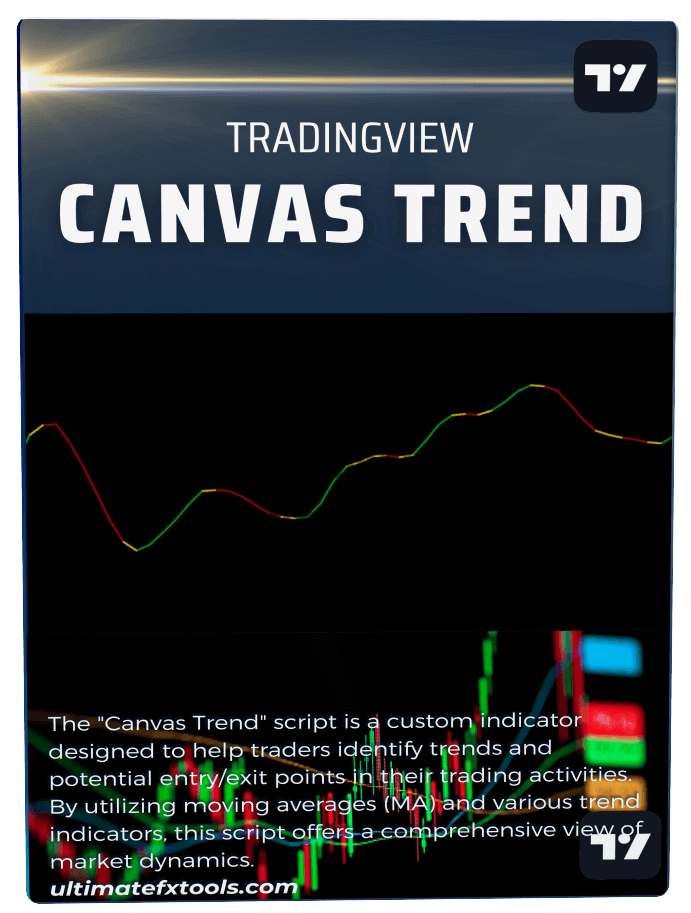
The "Canvas Trend" script is a custom indicator coded to help binary traders identify trends and potential entry/exit points in their trading activities. This script offers a comprehensive view of market dynamics by utilizing moving averages (MA) and various trend indicators.
Canvas Script Trading Functions
The script calculates the difference between two weighted moving averages (WMA) and uses this difference to determine trends.
Colors and Conditions
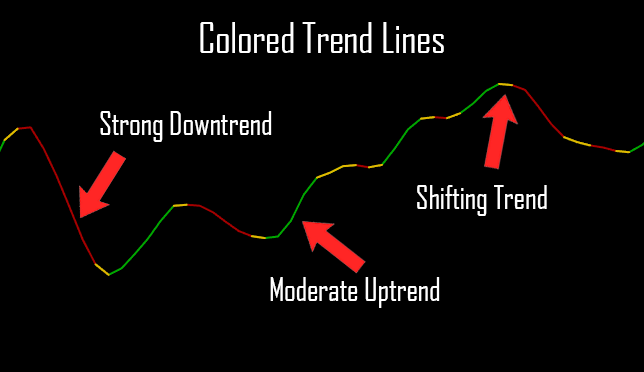
The Canvas Trend script uses color coding to visualize trends:
- Green (lime): Indicates an uptrend.
- Red: Indicates a downtrend.
- Yellow: Indicates a reversing trend.
The script plots different moving averages and trend lines based on the conditions.
Long/Short Conditions
The script provides clear signals for potential buying or selling opportunities.
How to Use the Canvas Trend Script
- Add the Script to Tradingview: Copy the provided code and paste it into TradingView's Pine Editor.
- Customize Inputs: Adjust the input settings according to your trading strategy.
- Analyze Trends: Use the visual cues to identify uptrends, downtrends, and reversing trends.
- Decision Making: Utilize buy/sell arrows to make timely trading decisions.
The "Canvas Trend" script is invaluable for traders looking to enhance their strategies. By providing clear visual indicators of market trends, this script helps traders make informed decisions quickly and confidently. Add it to your TradingView setup today and take your trading to the next level!
The Canvas Trend indicator is available to all UltimateFXTools Members as part of the lifetime access package, which includes 100+ indicators, strategies, and Pine Scripts for TradingView.